Clear Mini-ITX Compatibility Limits for Slots, RAM and Drives
Mini-ITX limits go beyond slot counts: on ASUS’s Z890-I, filling the second M.2 slot runs the GPU slot at x8. Here’s what to check per board.

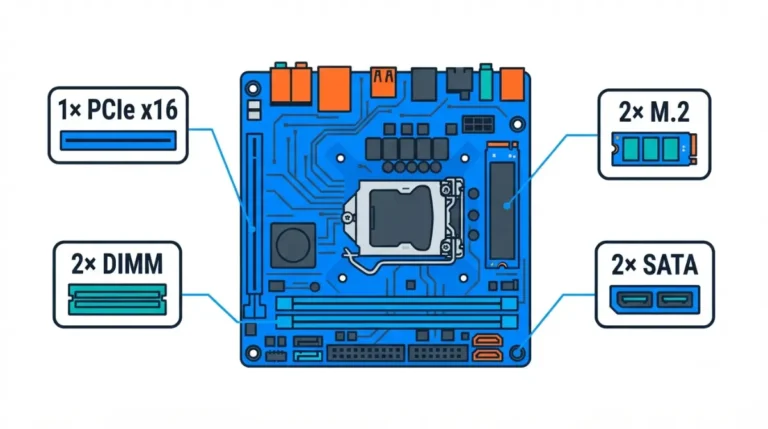
Mini-ITX limits go beyond slot counts: on ASUS’s Z890-I, filling the second M.2 slot runs the GPU slot at x8. Here’s what to check per board.
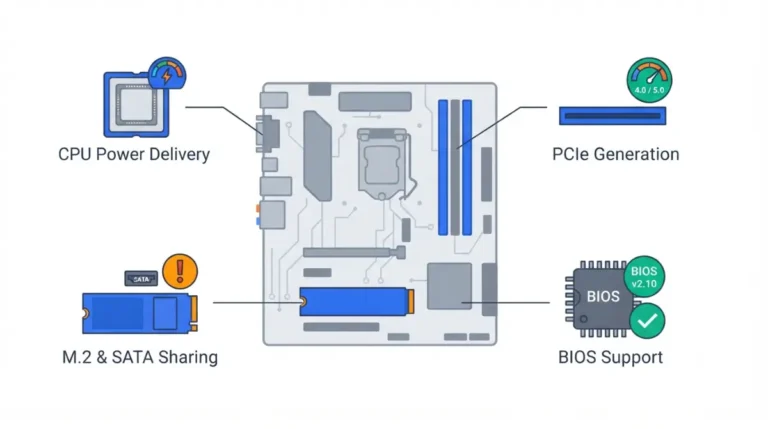
Buying the cheapest compatible
motherboard? A620 and B840 both give your graphics card a PCIe 4.0 x16 slot, so the real risks lie elsewhere.
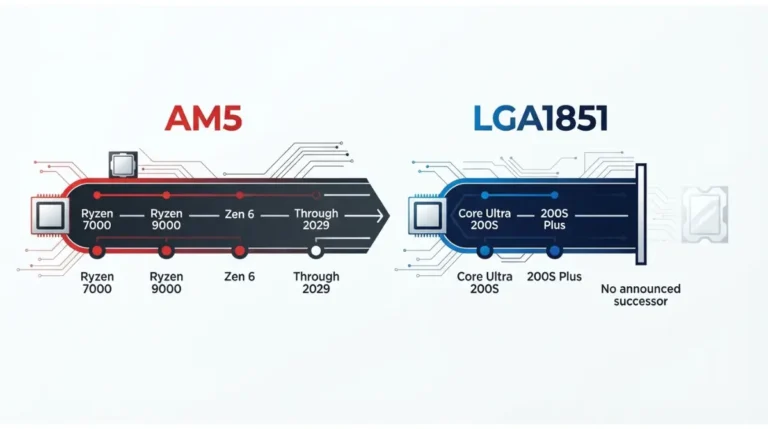
AM5 socket support now runs through 2029, but Zen 6 still needs your board maker’s BIOS. Here’s how both sockets compare and what to check first.
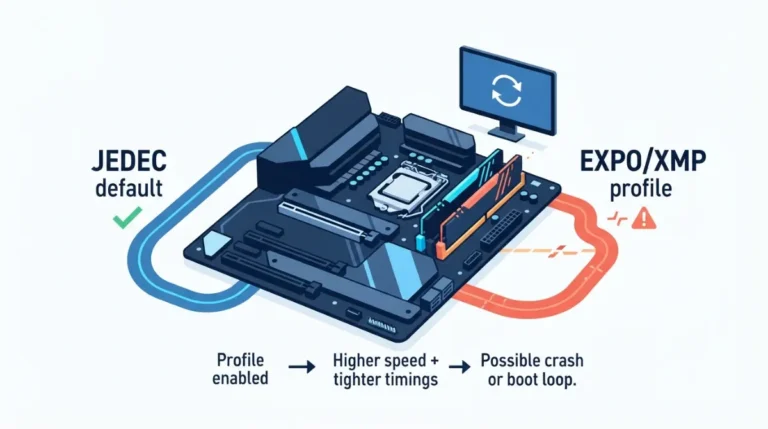
EXPO and XMP crashes often trace to a speed your CPU, board or BIOS can’t hold. Four sticks cut the 9800X3D’s rated speed to DDR5-3600.
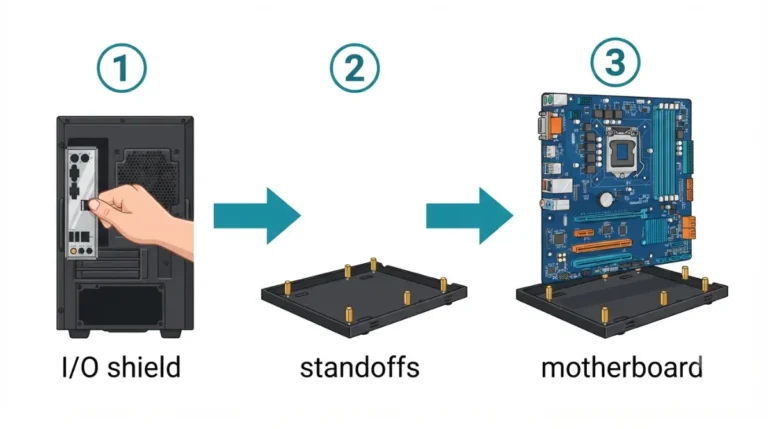
Installing motherboard standoffs? A separate I/O shield goes into the case before the board, per ASUS. Then check each standoff against your manual.
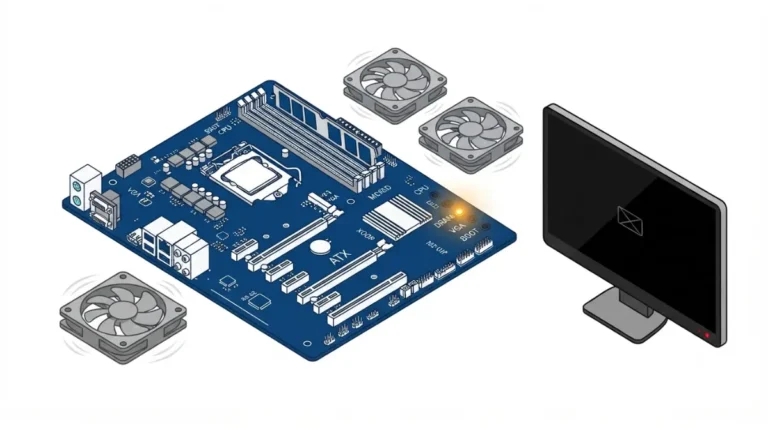
Debug LED stuck on your motherboard? On some ASUS boards, a fast-blinking power LED means no CPU on AMD but no memory on Intel.
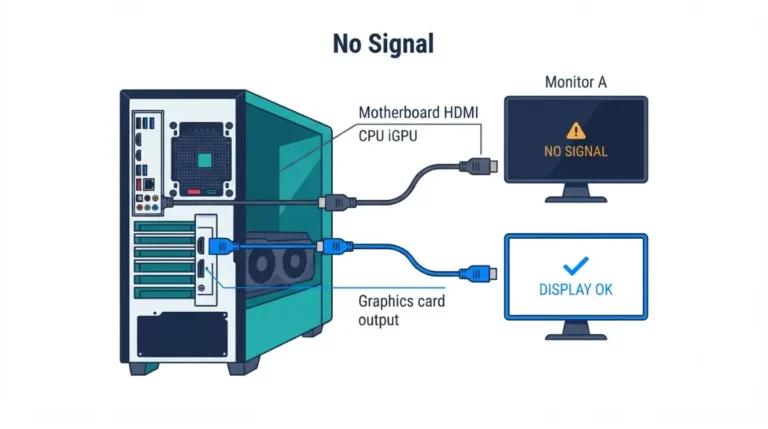
Motherboard HDMI showing no signal? AMD’s Ryzen 7 9700X has Radeon graphics, but the 7500F needs a discrete card. Here’s how to tell which you have.
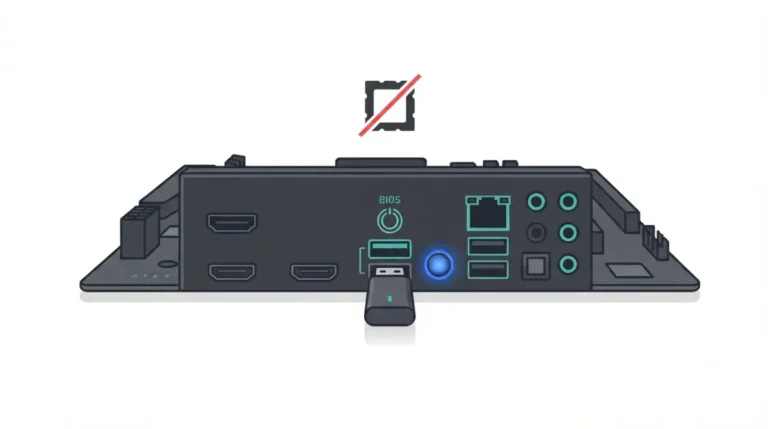
Updating BIOS without a CPU works only on boards with flashback. ASRock’s version also resets TPM, one of several details the brands handle differently.
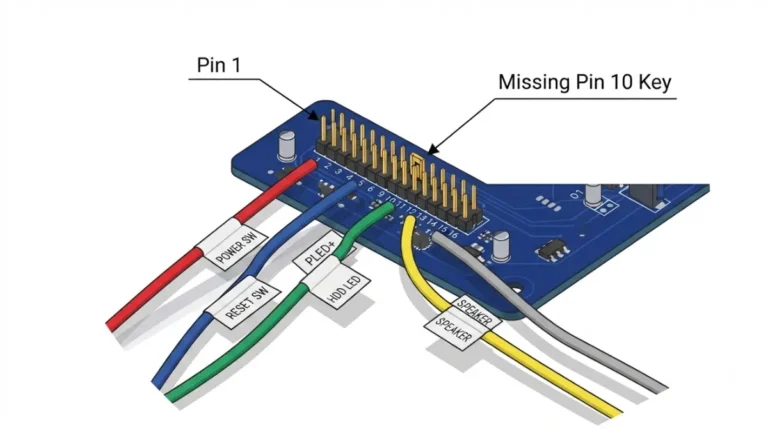
Front panel header layouts aren’t universal: in current manuals, Gigabyte’s F_PANEL is 20-pin while MSI and ASUS use 10-pin blocks.
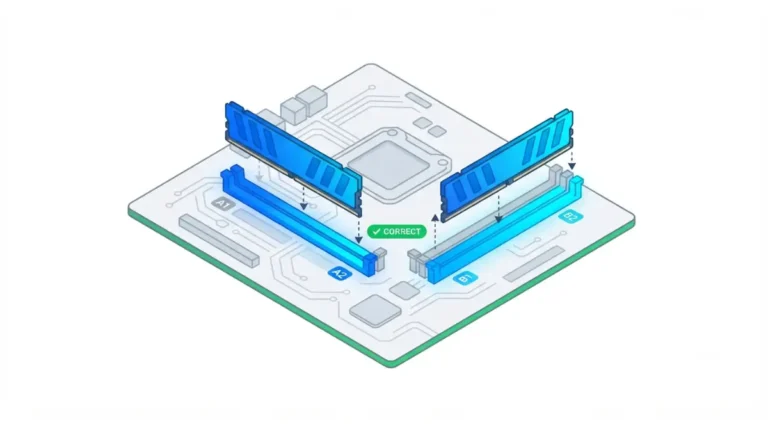
RAM slot order matters: two sticks in A1 and A2 share one channel, so they run single channel. Here’s the layout manufacturers list, and how to confirm it.