The Correct Way to Install a CPU Without Bending Pins or Pads
Installing a CPU without bent pins starts with one check: are your pins on the board or the chip? AM4 puts them on the CPU; AM5 moved them to the socket.

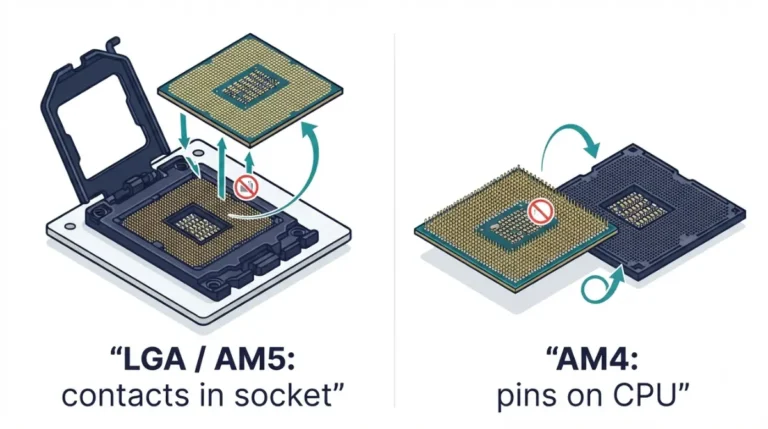
Installing a CPU without bent pins starts with one check: are your pins on the board or the chip? AM4 puts them on the CPU; AM5 moved them to the socket.
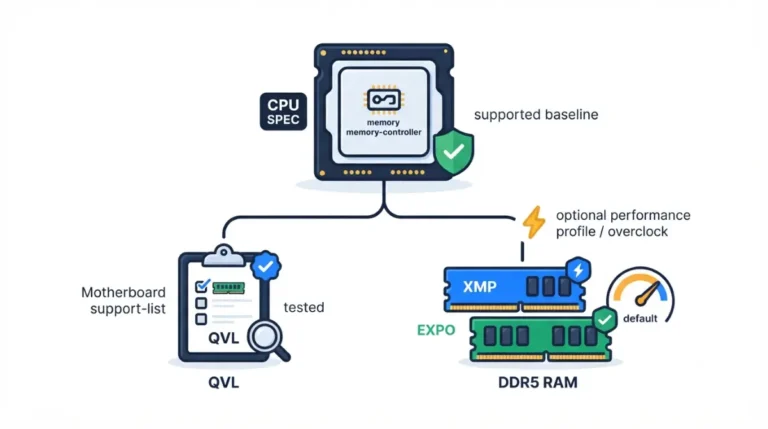
Motherboard QVL RAM lists show kits a board maker vetted, not what your CPU promises. On a Ryzen 7 9700X, four sticks drop AMD’s spec to DDR5-3600.
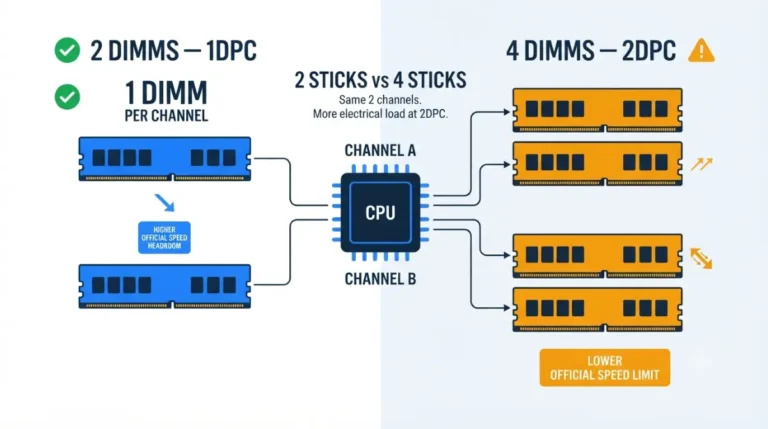
Four sticks of RAM slower than two is usually by design. They share two channels, and Ryzen 9000’s official rating falls from DDR5-5600 to DDR5-3600.
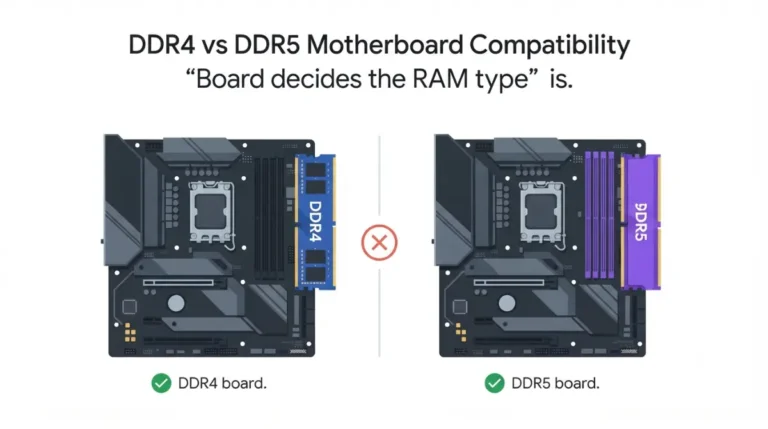
DDR4 or DDR5 board? A 32GB DDR4 kit that ran $60–$90 in October 2025 cost $150–$180 by January 2026. Here’s which sockets still take it.
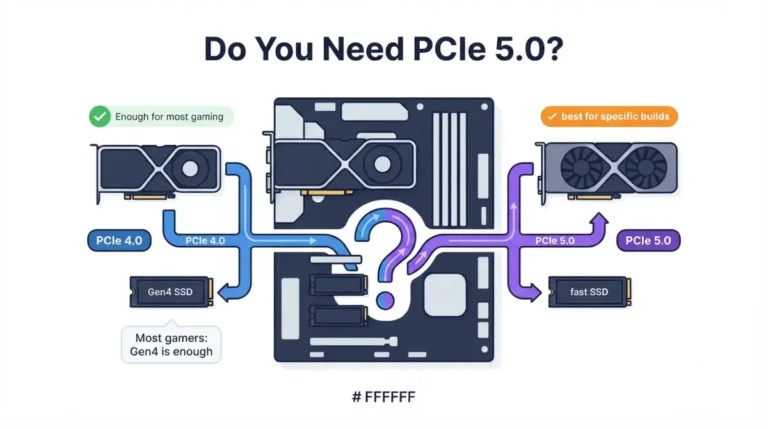
PCIe 5.0 motherboards cost more, yet AMD’s B850 gives Gen5 to the M.2 slot and leaves graphics at PCIe 4.0 unless the board maker enables it.
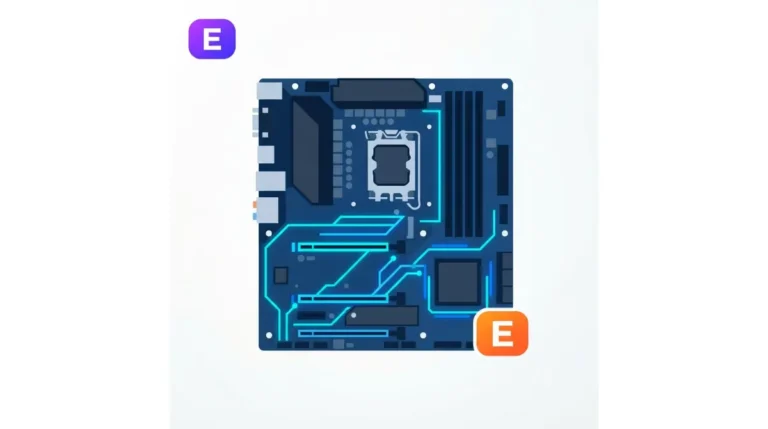
The E on a chipset changed jobs between generations: X870 already has PCIe 5.0 graphics, so X870E’s E adds USB, SATA and lane capacity instead.
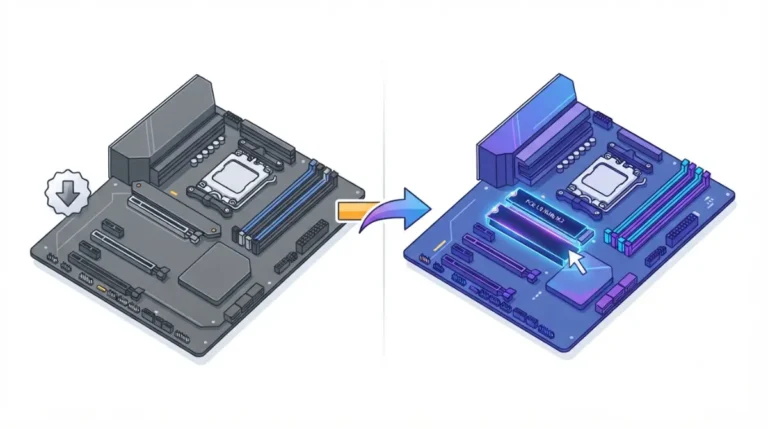
B650 vs B850 comes down to one guaranteed slot: B850 requires a PCIe 5.0 x4 M.2 link, while B650 leaves it to the board maker. Here’s how to check yours.
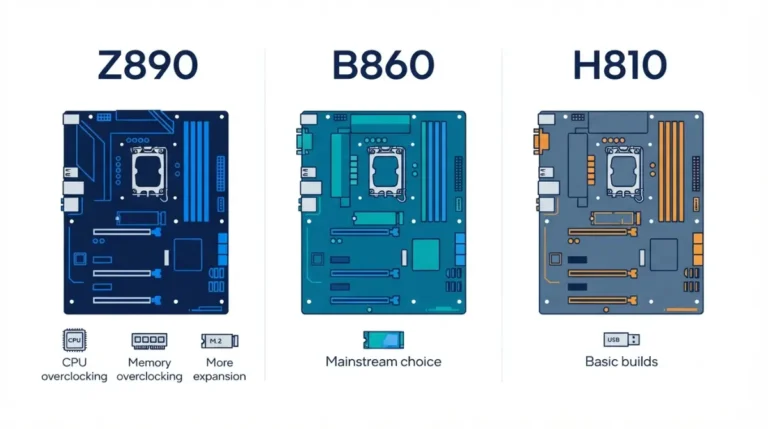
Z890, B860 and H810 boards share one socket, but only B860 and Z890 can wire an M.2 slot to the CPU’s PCIe 5.0 lanes. Here’s why that matters.
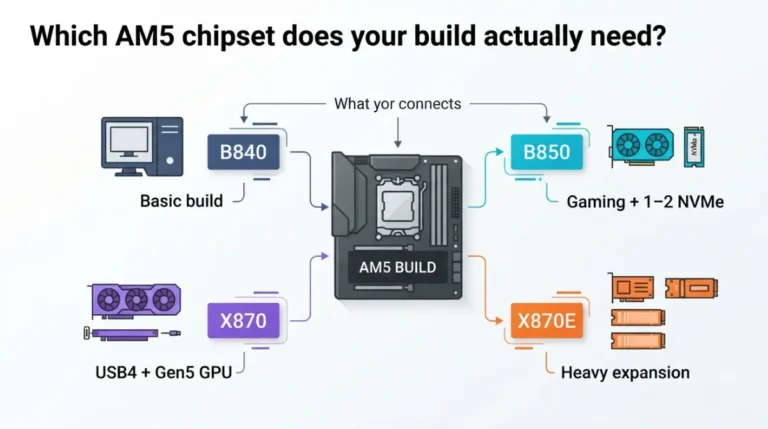
The AM5 chipset decides what you can connect: AMD lists 44 usable PCIe lanes on X870E, 36 on X870 and B850, 34 on B840. Here’s which one fits your build.
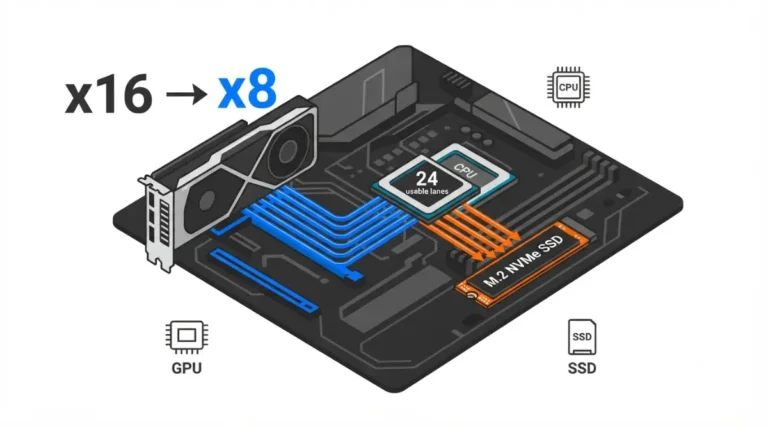
M.2 GPU x8 lane sharing comes down to a fixed budget: AMD lists 24 usable PCIe lanes, and your board decides which slot spends them.