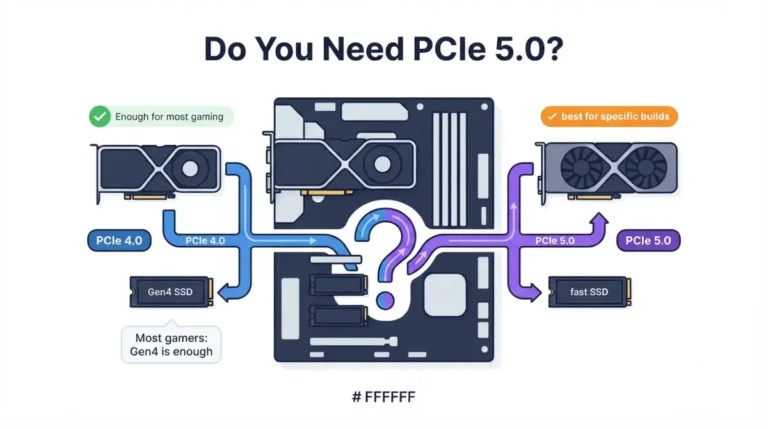
What the E on a Chipset Means for Picking the Right Board
Table of Contents
What the E on an AMD chipset actually means
The E suffix on an AMD motherboard chipset doesn’t stand for the same upgrade in every generation.
The short answer
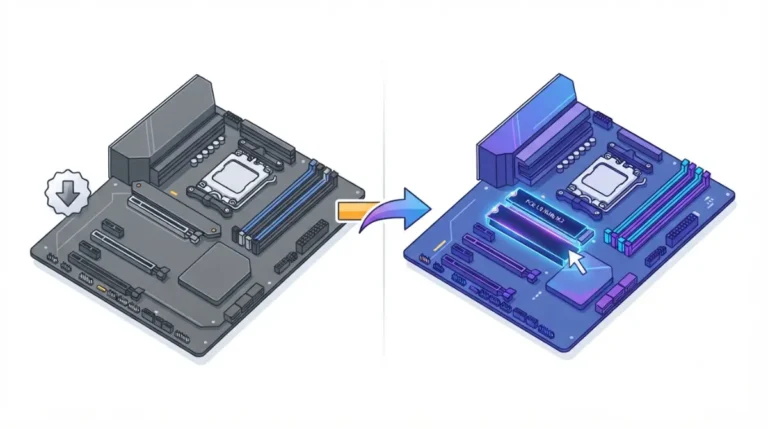
On AMD’s 600-series boards (B650E, X670E), the E adds PCIe 5.0 to the graphics slot. On the 800 series, plain X870 already has PCIe 5.0 graphics and storage. So the E in X870E adds capacity instead: more usable lanes, USB ports and SATA ports.
Which part of this article is for your board
- Choosing between B650 and B650E: read the B650E section.
- Choosing between X870 and X870E: read the X870E section.
- Already built and seeing PCIe 4.0: skip to the troubleshooting section.
Whichever applies, the E is only one line of the full motherboard compatibility checklist.
Why the E means one thing on B650E and another on X870E
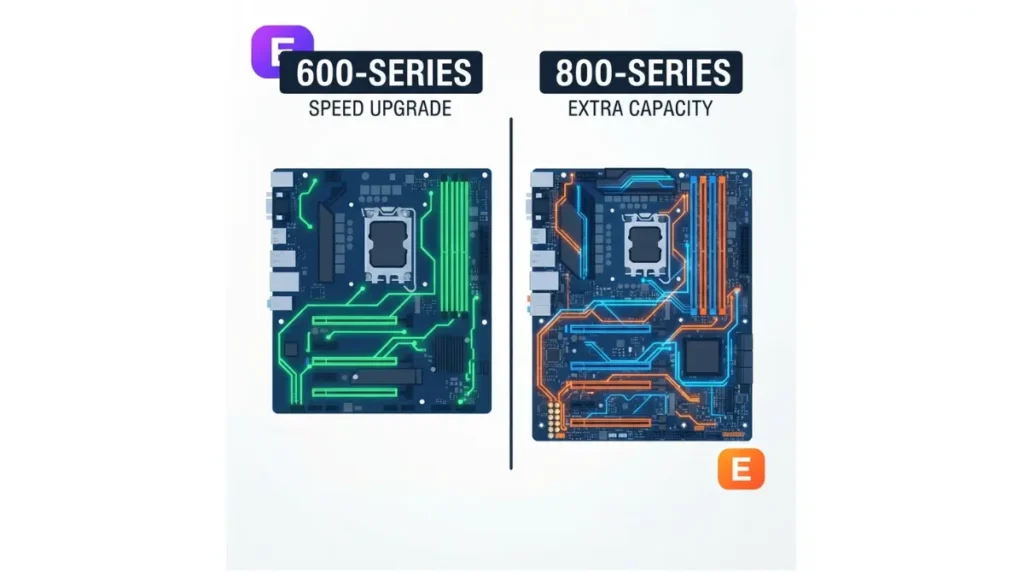
AMD’s own spec tables show the letter changing its job between generations.
| Chipset | Graphics slot | Main M.2 slot | Usable lanes (total / Gen 5) | What the E buys |
|---|---|---|---|---|
| B650 | PCIe 4.0 | PCIe 4.0 (5.0 optional) | 36 / 0 | Non-E baseline |
| B650E | PCIe 5.0 | PCIe 5.0 | 36 / 24 | Gen 5 graphics and M.2 |
| X670 | PCIe 4.0 | PCIe 5.0 | 44 / 8 | Non-E baseline |
| X670E | PCIe 5.0 | PCIe 5.0 | 44 / 24 | Gen 5 graphics |
| X870 | PCIe 5.0 | PCIe 5.0 | 36 / 24 | Already Gen 5 |
| X870E | PCIe 5.0 | PCIe 5.0 | 44 / 24 | More lanes, USB, SATA |
| B850 | PCIe 4.0 | PCIe 5.0 | 36 / 4 | No E version listed |
Source: AMD’s Socket AM5 chipset specifications (updated June 2026) for 800-series and X670-family rows; AMD’s AM5 motherboard quick reference guide (November 2024) for B650E and B650, which AMD’s current page no longer lists. Figures are platform maximums, and individual boards may expose less. Data as of September 2026.
What E added in the 600 series
On the 600 series, the E is the difference between PCIe 4.0 and PCIe 5.0 on the graphics slot. X670E has 24 usable Gen 5 lanes where X670 has 8. USB4 stays optional on X670E.
What E adds in the 800 series
X870 and X870E share the same Gen 5 graphics and M.2 layout, and AMD makes USB4 standard on both. The E raises usable lanes from 36 to 44 and doubles the USB and SATA ceilings. That’s extra capacity, not extra speed.
🔍 Why It Works: AMD’s table splits each chipset into CPU-direct PCIe lanes and chipset-provided USB and SATA. The graphics and main M.2 slots are wired to the CPU. A bigger chipset adds ports and lanes, but it doesn’t make those CPU slots faster.
B650E vs B650: what the E gets you
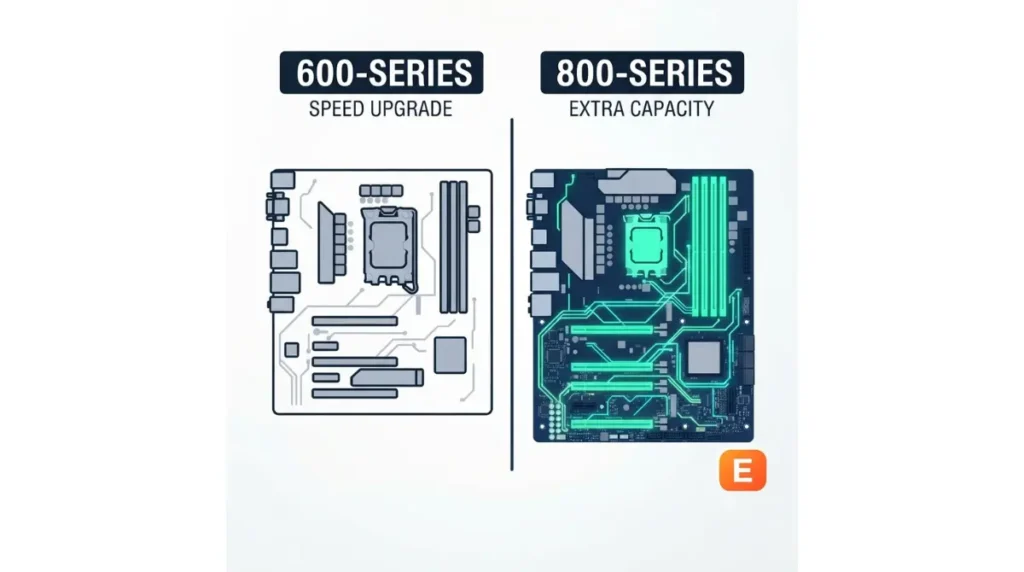
Between these two chipsets, the E is the only guaranteed route to a PCIe 5.0 graphics slot.
Graphics slot: Gen 5 vs Gen 4
AMD’s reference guide lists B650E with a 1×16 or 2×8 PCIe 5.0 graphics connection, while B650 lists PCIe 4.0. Both list 36 usable lanes. The E changes speed, not how many devices you can connect.
M.2: guaranteed Gen 5 vs optional
B650E lists PCIe 5.0 for the main M.2 slot. On B650, that slot is PCIe 4.0, and Gen 5 is left to the board maker.
| Chipset | Graphics | Main M.2 | Best For |
|---|---|---|---|
| B650 | PCIe 4.0 | PCIe 4.0 (5.0 optional) | Gen 4 cards and SSDs |
| B650E | PCIe 5.0 | PCIe 5.0 | Guaranteed Gen 5 on both |
Source: AMD Socket AM5 Quick Reference Guide, November 2024.
🧩 Compatibility Check: Open the exact board’s spec page and read its Expansion Slots and Storage lines. Confirm that the x16 slot and the M.2 slot you’ll use both say PCIe 5.0. The chipset name alone doesn’t settle it.
X870E vs X870: why the E is about capacity, not speed
On the 800 series, both chipsets already guarantee PCIe 5.0 where it matters most.
One chipset chip vs two
AMD gives X870 and X870E the same PCIe 5.0 graphics connection and PCIe 5.0 main M.2 slot, with USB4 standard on both. Independent coverage from HWCooling reports that X870E uses two chipset chips where X870 uses one.
More lanes, USB and SATA, same Gen 5 slots
That second chip is where the extra connectivity comes from.
| Chipset | Usable lanes | USB 20Gbps / 10Gbps (up to) | SATA (up to) | Best For |
|---|---|---|---|---|
| X870 | 36 (24 Gen 5) | 1 / 6 | 4 | One GPU, a few drives |
| X870E | 44 (24 Gen 5) | 2 / 12 | 8 | Many drives, cards, ports |
Source: AMD Socket AM5 chipset specifications page, updated June 2026.
📊 Spec Check: AMD lists 44 usable PCIe lanes for X870E and 36 for X870, with up to 24 PCIe 5.0 lanes on both (AMD Socket AM5 chipset page, June 2026).
Do you actually need an E board?
The answer comes down to a few things you can check before you buy.
You need the E if…
- You’re buying a 600-series board and want a guaranteed PCIe 5.0 graphics slot. That means B650E or X670E.
- You’re buying an 800-series board and plan to fill many M.2 slots, add expansion cards, or connect lots of USB and SATA devices. That points to X870E.
You can skip it if…
- Your graphics card and SSDs are PCIe 4.0 devices.
- A specific non-E board’s spec page already lists every slot and port your build needs.
The B650E vs X870 overlap
AMD lists the same 36/24 lane budget for B650E and X870, but only X870 makes USB4 standard. Compare the specific boards, not the badges. If B850 is also on your list, see every AM5 chipset compared side by side.
What the E can’t guarantee for your build
An E badge sets what a board can do, but your CPU and the exact board decide what you actually get.
Your CPU has to support Gen 5 too
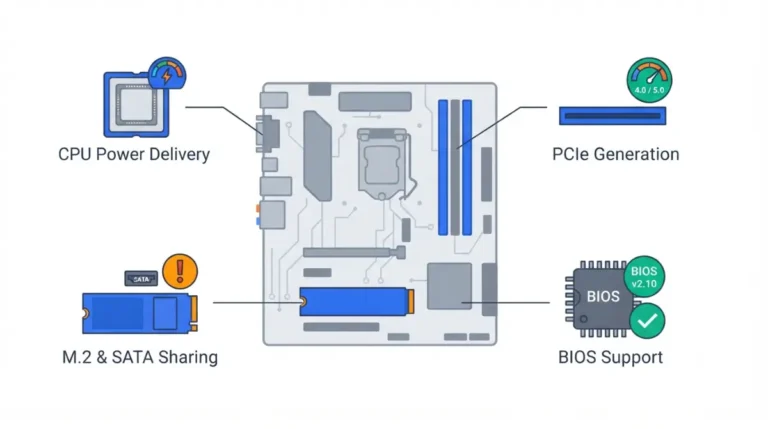
AMD lists the Ryzen 7 8700G as a PCIe 4.0 processor with 16 usable lanes. Put it in an X870E board, and the Gen 5 slots run at Gen 4.
Your specific board decides the wiring
AMD’s figures are platform maximums, so a board maker may expose fewer slots or share lanes between them. A board’s own spec page, like this ProArt X870E listing, is where the real slot layout lives.
Older boards may need a BIOS update
AMD notes that 600-series boards, including B650E and X670E, may need a BIOS update for Ryzen 8000 and 9000 processors. Before you order, check which BIOS your board needs for your CPU.
✅ Do This: Find your CPU on the board’s CPU support list and note the minimum BIOS version. If an update is needed, use only the board maker’s file and instructions.
My E board shows PCIe 4.0: common reasons
Seeing Gen 4 on an E board is common, and it usually traces to one of a few causes.
Your card or CPU is Gen 4
PCI-SIG designed PCIe 5.0 to stay backward compatible with 4.0 and earlier, so the link runs at the fastest generation both ends support. A Gen 4 graphics card, or a Gen 4 CPU like the Ryzen 7 8700G, means a Gen 4 link.
The card is in the wrong slot or lanes are shared
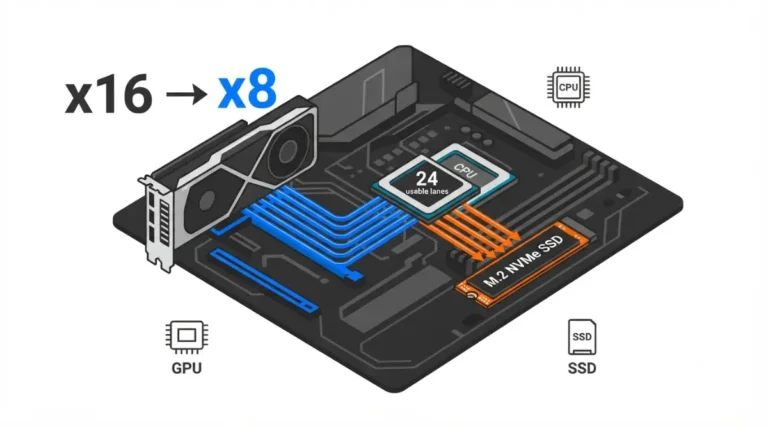
Only the slots your manual lists as PCIe 5.0 carry Gen 5, and some boards split lanes when certain M.2 slots are filled. Check the manual’s lane table, and see how slots and M.2 drives share lanes.
⚠️ Watch Out: If none of these explain it, contact the board maker’s support with your board model, BIOS version, and which slot your card is in. Don’t change unfamiliar BIOS settings to force a link speed.
FAQ
1. What does E mean on an AMD chipset?
On 600-series boards like B650E, the E adds PCIe 5.0 graphics. On X870E, the E adds more lanes, USB ports and SATA ports.
2. Does X870 support PCIe 5.0 graphics?
Yes. AMD lists X870 with a PCIe 5.0 graphics slot and a PCIe 5.0 main M.2 slot, the same as X870E, plus standard USB4.
3. Is B650E worth it over B650?
B650E is worth it if you want guaranteed PCIe 5.0 on the graphics slot, because AMD lists B650 with PCIe 4.0 graphics.
4. Is B650E better than X870?
Neither wins outright. AMD lists the same 36/24 lane budget for both, and X870 adds standard USB4, so compare the specific boards.
5. What is the difference between X670E and X870E?
AMD lists the same PCIe 5.0 layout and 44 usable lanes for X670E and X870E. USB4 is optional on X670E and standard on X870E.
6. Does a Ryzen 7 8700G use PCIe 5.0 on an E board?
No. AMD lists the Ryzen 7 8700G as PCIe 4.0 with 16 usable lanes, so an E board runs it at Gen 4.
7. Do E boards need a BIOS update for Ryzen 9000?
A 600-series E board like B650E may need one; AMD says 600-series boards can require a BIOS update for Ryzen 9000. Check your board’s CPU support list before ordering.
8. Why does my E board show PCIe 4.0?
The usual causes are a Gen 4 graphics card, a Gen 4 CPU, the wrong slot, or lanes shared with an M.2 drive.
9. Is there a B850E chipset?
AMD’s current AM5 chipset list includes no B850E. B850 lists PCIe 4.0 graphics and PCIe 5.0 for the main M.2 slot.
10. Does X870E have more USB ports than X870?
Yes. AMD lists up to twelve 10Gbps and two 20Gbps USB ports for X870E, against six and one for X870.
Choosing by what the E buys you
On B650E, the E buys guaranteed PCIe 5.0 graphics; on X870E, it buys more lanes and ports. Decide which your build will actually use, then confirm it on the specific board’s spec page. Every figure here comes from AMD’s published specifications, and we did not test these boards. If you’re also weighing mainstream boards, compare B650 and B850 motherboards.