Can You Upgrade a Steam Machine’s SSD and RAM? What Stays Fixed
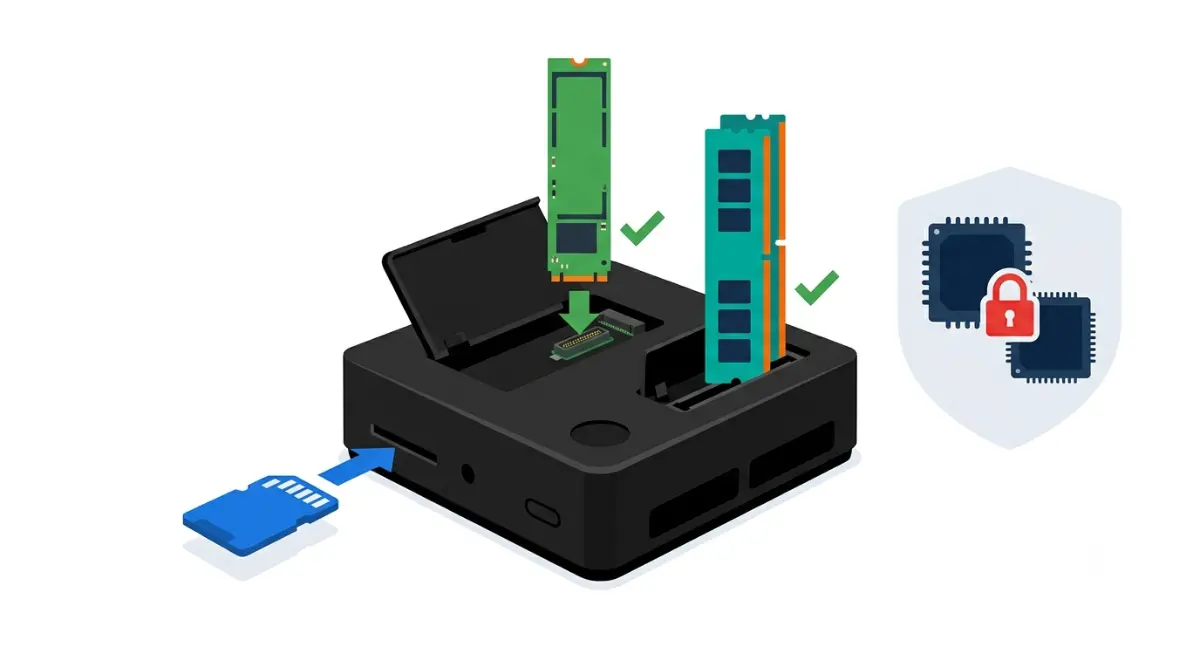
Table of Contents
Can you upgrade a Steam Machine?
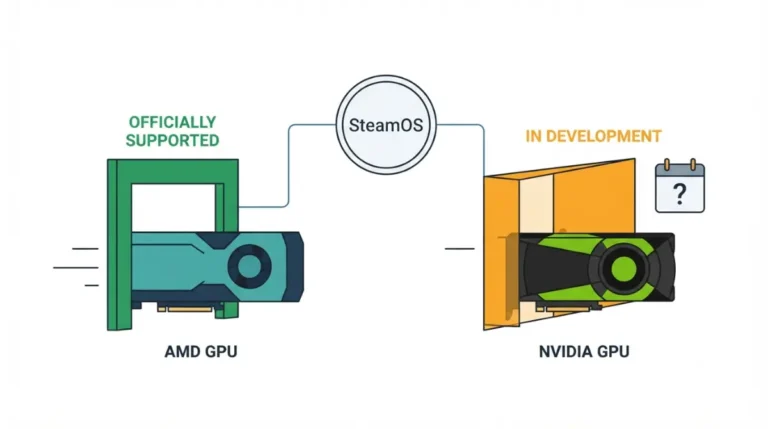
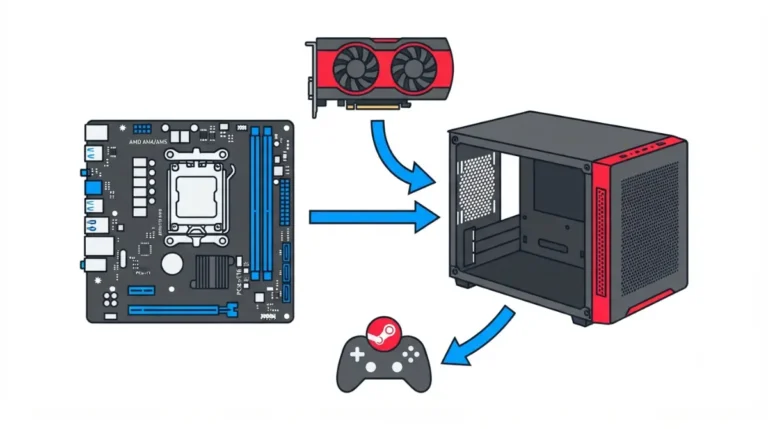
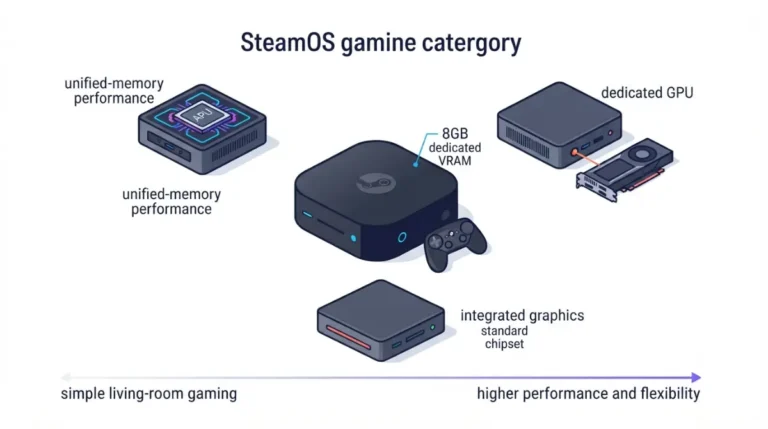
Partly. On Valve’s 2026 Steam Machine (not the 2015 concept), you can add a microSD card, swap the M.2 SSD, and add a second RAM stick; Valve’s February 2026 FAQ calls the SSD and memory upgradable. The AMD GPU, its 8GB of video memory (per Valve’s spec page) and the CPU can’t be changed, as the full Steam Machine specs and limits breakdown covers.
Start where your problem is. Storage full? Go to the storage section. 16GB feeling thin? Read the RAM sections, including whether a second stick helps. Still deciding whether to open the case? Read the warranty section first.
ℹ️ Risk Note: Opening the case can damage components, and Valve says resulting damage isn’t covered by the warranty. Back up your data before any drive work, use only Valve’s and iFixit’s published methods, and contact Steam Support if anything is unclear.
What you can upgrade, and what’s fixed
Parts you can swap
| Part | Fitted | What changes | Source | Effort |
|---|---|---|---|---|
| microSD | Slot on both models | Add an SDXC card | Valve engineers (PC Gamer) | No opening |
| M.2 SSD | 512GB or 2TB NVMe | Swap in 2230 or 2280 | iFixit (OEM guide) | Moderate, 30–60 min |
| RAM | One 16GB DDR5-5600 SODIMM | Add a second SODIMM | iFixit (OEM guide) | Moderate, 1–3 hours |
| GPU, VRAM and CPU | RDNA 3 GPU, 8GB GDDR6, Zen 4 | Fixed | Teardown reports | Not possible |
Source: iFixit OEM guides (September 2026); PC Gamer and TweakTown reporting.
Parts that are fixed
Gamers Nexus’ teardown, per TweakTown, showed the GPU can’t be swapped, and none of iFixit’s 18 guides covers a CPU or GPU.
Where Valve’s statements and the repair guides differ
Valve’s February FAQ calls the SSD and memory upgradable, while its support guide advises against opening the device and excludes resulting damage from warranty cover.
Adding storage: microSD first, SSD second
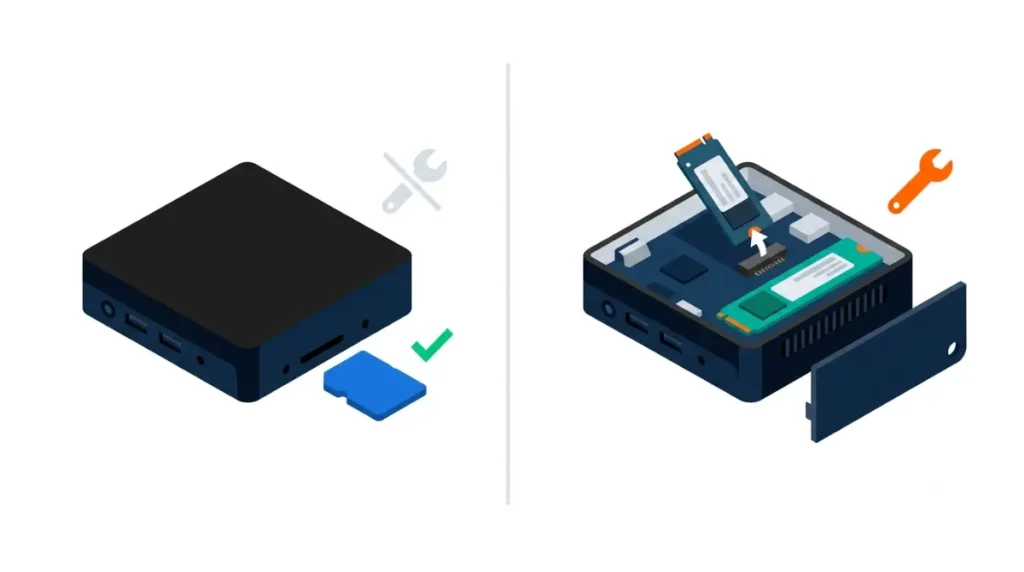
microSD: the no-tools option
The only no-opening upgrade is a microSD card: PC Gamer reported Valve engineers confirming SDXC support up to 2TB, and a card formatted in a Steam Deck should carry over.
Which M.2 drives fit
The SSD slot takes 2230 or 2280 NVMe drives; a standoff screw moves between the lengths, per iFixit’s SSD guide, which names no approved drives. Our SSD upgrade guide goes deeper.
🧩 Compatibility Check: Confirm your drive is 2230 or 2280, and prefer a bare or low-profile one, since iFixit’s guide gives no clearance figure.
Reinstalling SteamOS after a swap
iFixit notes a new drive needs an operating system installed, and links Valve’s SteamOS installation instructions.
⚠️ Watch Out: iFixit says to remove any microSD card before opening the case, or it may break. Back up your files first.
Adding RAM: one SODIMM in, one slot empty
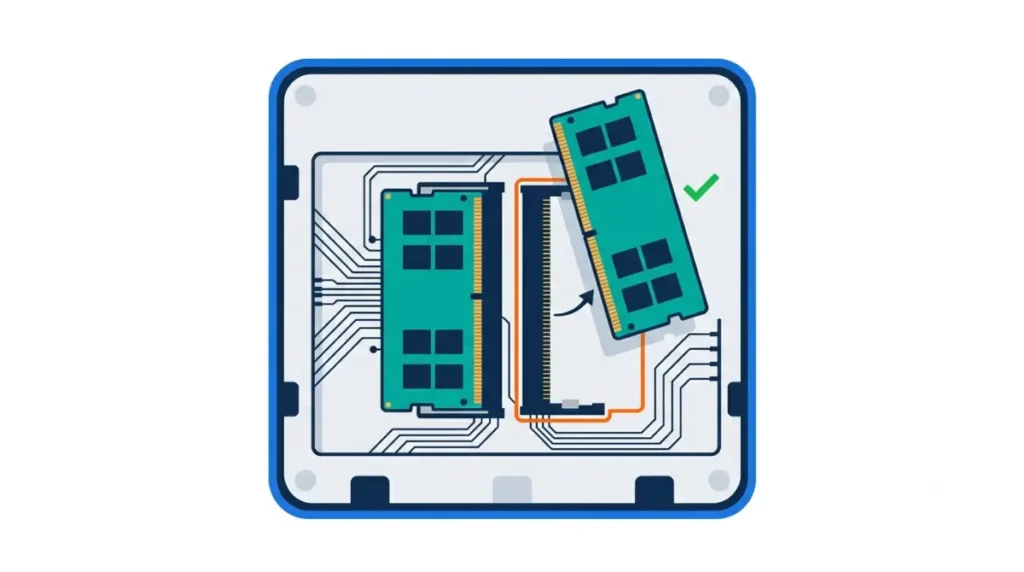
What’s installed and what to match
The machine has two DDR5-5600 SODIMM slots, per iFixit’s RAM guide, and current units ship with one 16GB module, so a second 16GB stick would make 32GB, per PCWorld. A Steam Support reply, as reported by Notebookcheck, advises at least DDR5-5600 modules. Our RAM upgrade guide covers buying.
How much of the machine comes apart
Reaching the slots is the hard part: iFixit’s guide runs 49 steps, rated Moderate at one to three hours, including removing the fan and separating the board from the power supply. Valve engineers told Tom’s Hardware memory couldn’t use the SSD’s flex cable because of signal integrity.
What Valve hasn’t published
Valve hasn’t published a maximum capacity; ETA Prime’s reported 64GB run is third-party.
🧩 Compatibility Check: Match the installed module’s capacity, speed and timing; Club386 reported Gamers Nexus saw boot instability until it used modules identical to Valve’s.
⚠️ Watch Out: iFixit warns excessive force can rip the fan socket off the board. If unsure, contact Steam Support first.
Is a second RAM stick worth it for gaming?
What Valve said versus what was measured
Valve told Gamers Nexus the difference was negligible. Gamers Nexus’ own test, per Club386 and TweakTown, found about 19% faster 7-Zip and up to 15% in Baldur’s Gate 3 at 1080p Low.
Where it helped and where it didn’t
| Your use | Likely benefit | Source |
|---|---|---|
| Compression, bandwidth-heavy tasks | About 19% | Club386, TweakTown |
| CPU-limited games (Baldur’s Gate 3) | About 9% at heavier settings | Club386 |
| GPU-limited games | Under 3% | Club386 |
| Most games, simulated | Small effect | HotHardware (not a Steam Machine) |
Source: Gamers Nexus results via Club386 and TweakTown; HotHardware simulation.
Why VRAM stays at 8GB
More system RAM doesn’t add video memory: ETA Prime’s reported 64GB test still showed 8GB of VRAM, per Korben. For how that GPU compares, see our Steam Machine GPU equivalent breakdown.
What upgrades cost, and where parts stand
RAM and SSD costs
PCWorld priced a second 16GB DDR5 SODIMM at about $200 in June 2026. Valve’s June 2026 launch prices were $1,049 (512GB) and $1,349 (2TB), per GamingOnLinux. SSD prices vary by drive, so check current listings.
Replacement parts status
As of mid-September 2026, iFixit hadn’t listed Steam Machine parts in its store, reports said, with parts promised soon.
When a different PC makes more sense
PCWorld suggested anyone wanting a Linux desktop could get one for less than the Steam Machine’s base price.
Before you open it: warranty and safe habits
What Valve’s guide says
Valve’s support guide says it doesn’t recommend opening the device, that internal components are sensitive, and that resulting damage isn’t covered by the warranty. Valve’s February FAQ separately called the SSD and memory upgradable.
General precautions
Back up your data, power down and unplug before opening, and use the driver Valve and iFixit specify (T8 Torx); never force a connector.
When to contact Steam Support
✅ Do This: Before opening, ask Steam Support whether a RAM or SSD change affects your coverage.
FAQ: Steam Machine upgrades
1. Can you upgrade the Steam Machine?
Yes, partly: a Steam Machine’s SSD, RAM and microSD slot can change, but its GPU, VRAM and CPU can’t.
2. Can you upgrade Steam Machine RAM?
Yes. The Steam Machine has two DDR5-5600 SODIMM slots with one filled, but reaching them takes a 49-step iFixit guide.
3. How much RAM can a Steam Machine hold?
Valve hasn’t published a maximum for the Steam Machine; two slots allow 32GB with a second 16GB stick, and a 64GB run was third-party.
4. What SSD fits the Steam Machine?
The Steam Machine’s single M.2 NVMe slot takes 2230 or 2280 drives, per iFixit; iFixit names no approved drives. Back up first.
5. Can you upgrade the Steam Machine GPU?
No. Teardown reports show the Steam Machine’s GPU can’t be swapped, and its 8GB of video memory stays fixed.
6. Can you add storage to a Steam Machine without opening it?
Yes. A microSD card works in the Steam Machine’s slot, SDXC up to 2TB per Valve engineers, with no opening.
7. Does opening the Steam Machine void the warranty?
Valve says it doesn’t recommend opening the Steam Machine and that resulting damage isn’t covered. Ask Steam Support before you start.
8. Will a second RAM stick make a Steam Machine faster?
Sometimes. Gamers Nexus found about 19% faster 7-Zip and gains in CPU-limited games on the Steam Machine; GPU-limited games gained under 3%.
9. Do you need to reinstall SteamOS after changing the Steam Machine SSD?
Yes. A replacement Steam Machine SSD needs an operating system installed, and iFixit points to Valve’s SteamOS instructions. Back up first.
10. Are Steam Machine replacement parts available?
Not yet, as of mid-September 2026 reports: iFixit hadn’t listed Steam Machine parts in its store, though they were promised soon.
Storage is the easy upgrade because a microSD card needs no tools. For the options, see our Steam Machine storage expansion guide. RAM and SSD swaps are possible, but Valve advises against opening the case, so back up your data and ask Steam Support about coverage first. The GPU and VRAM stay as shipped. We did not test any of this hardware; every figure is attributed above.