A Clear Steam Machine 512GB vs 2TB Comparison
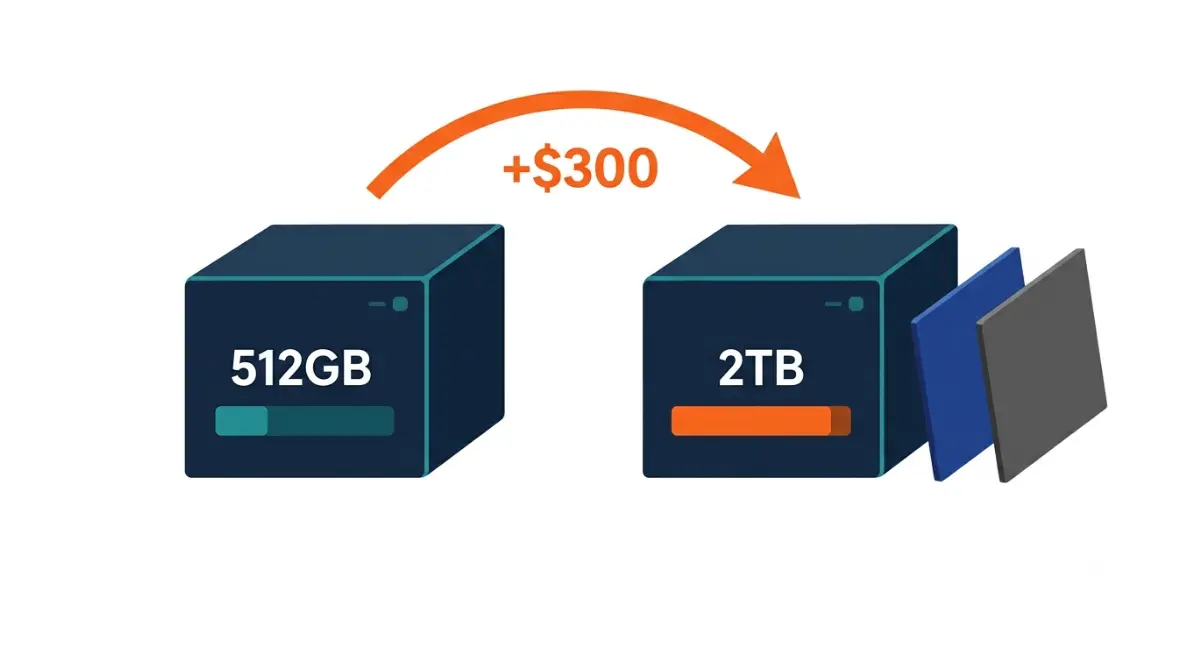
Table of Contents
Steam Machine 512GB vs 2TB: the short answer
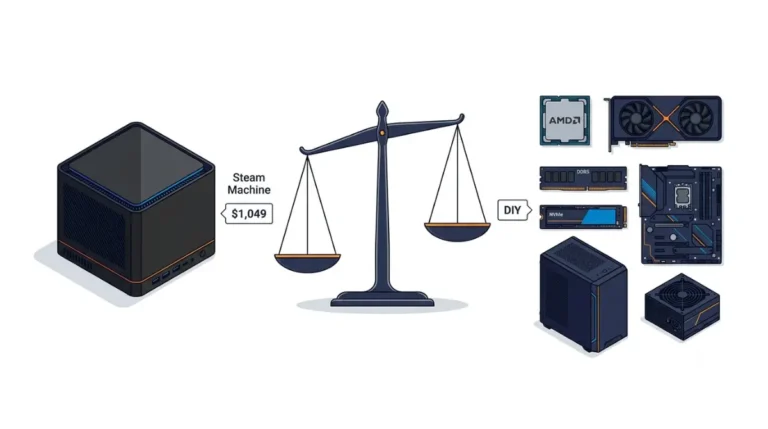
The Steam Machine 512GB vs 2TB choice rests on one gap: Valve’s launch prices put the 2TB model at $1,349 and the 512GB at $1,049, so $300 more buys extra storage and two faceplates (prices as of October 2026). The processor, graphics and memory are identical on both. Every figure below is attributed, and we did not test either model.
- Choosing a model: use the decision table.
- Own a Steam Deck microSD card: the same section covers it.
- Planning an SSD swap: read the upgrade and risk sections.
- Wondering if you can order one: see the availability section.
ℹ️ Risk Note: Opening a Steam Machine, swapping its SSD or reinstalling SteamOS can cost you data, and warranty coverage may be affected. Back up first, follow only iFixit’s and Valve’s published methods, check Valve’s warranty terms, and contact Valve Support if unsure.
What’s actually different between the two models
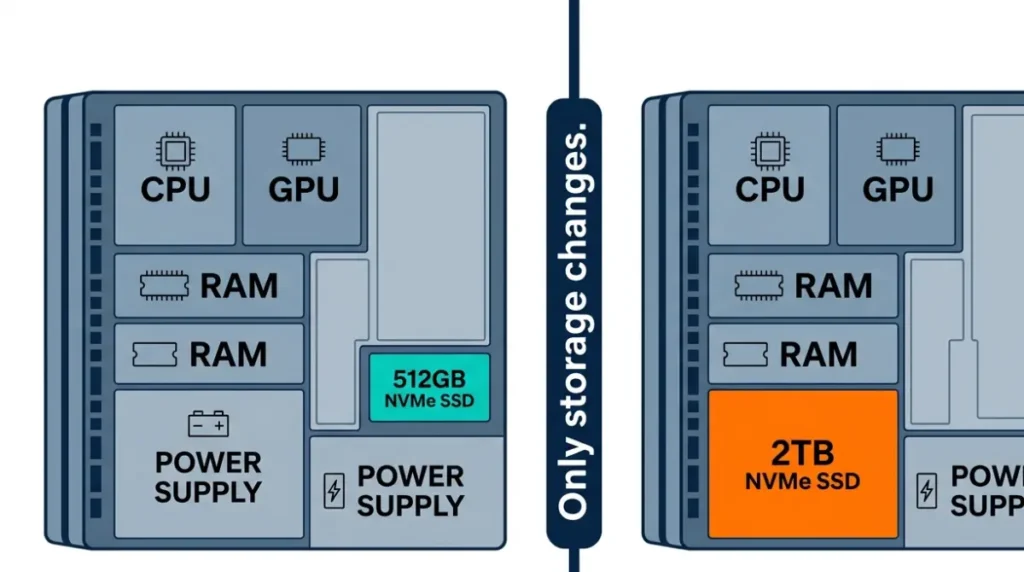
Only SSD size, two bonus faceplates and price separate the two models; the CPU, GPU and RAM match.
Same CPU, GPU, and RAM
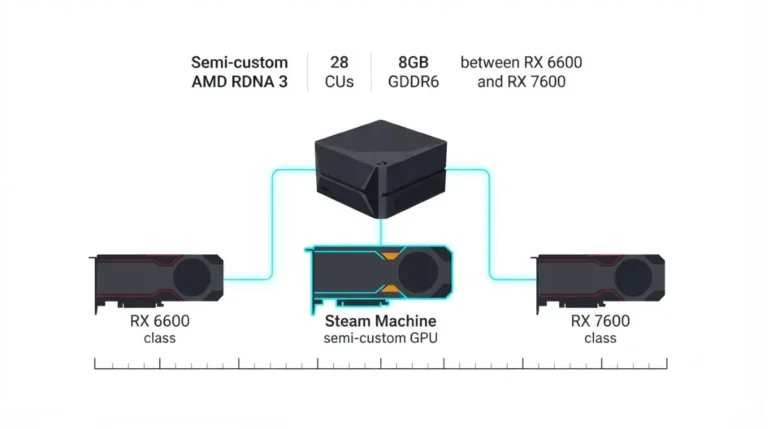
Valve lists one set of core specs for both; our full spec breakdown details them.
What changes: SSD size and faceplates
| Spec | 512GB | 2TB | Key Detail |
|---|---|---|---|
| CPU, GPU, RAM | Zen 4 6C/12T, RDNA3 28 CUs, 16GB DDR5 + 8GB GDDR6 | Same | Match on both |
| Internal SSD | 512GB NVMe | 2TB NVMe | Model, speed not stated |
| Faceplates | Standard | Plus red fabric and solid walnut | 2TB only |
| microSD slot | Yes | Yes | Standard not named |
Source: Engadget, iFixit, PC Gamer; Valve’s quoted spec lines name no drive model, speed or microSD standard.
The microSD slot on both
Both models include a microSD slot; Valve’s Steam Machine page has the current spec list.
How much more the 2TB costs, and what you get for it
The 2TB Steam Machine costs $300 more than the 512GB model, and the Steam Controller bundle adds $79 to either (Valve launch prices, as of October 2026).
Four prices, as of October 2026
| Model | Alone | With Steam Controller | Key Detail |
|---|---|---|---|
| 512GB | $1,049 | $1,128 | Standard faceplate |
| 2TB | $1,349 | $1,428 | Two extra faceplates |
Source: Game Developer and TechSpot (Valve launch prices).
Valve said rising memory and storage costs made its original price target unachievable, per PC Gamer.
Break-even: the gap versus a drive you buy yourself
Self-upgrade saving = $300 minus your drive’s price, ignoring tools, time, faceplates and the spare 512GB drive. At hypothetical drive prices of $200, $250, $300 or $350, the saving is $100, $50, $0 or −$50.
The controller bundle is +$79 either way
$1,128 less $1,049 and $1,428 less $1,349 both equal $79.
Is 512GB enough, or do you need 2TB?
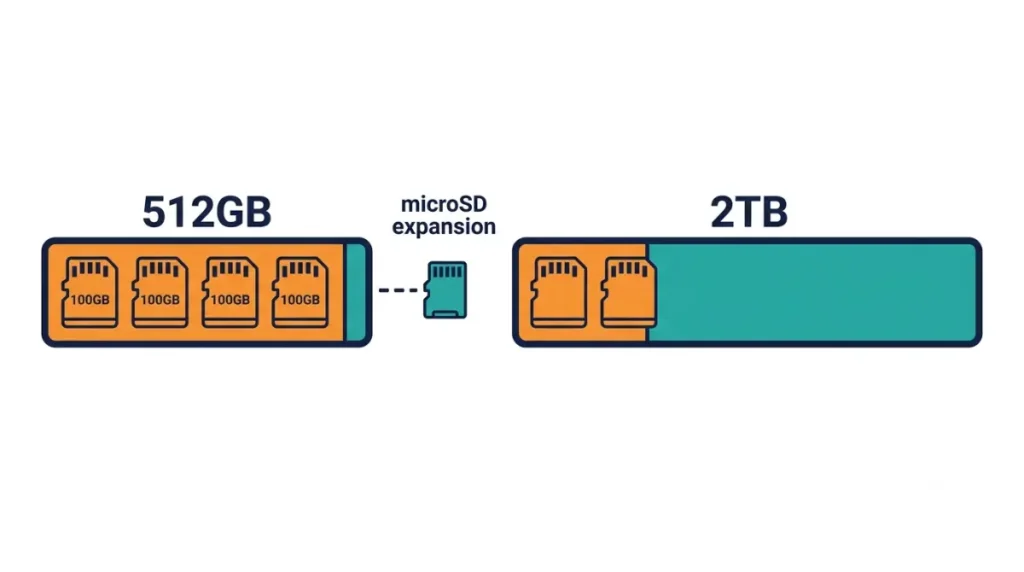
Whether 512GB is enough turns on three checks: your library, any microSD card you own, and whether you’ll open the case.
How big current installs are
Check each game’s Steam page for a storage figure under System Requirements; some omit it. Four hypothetical 100 GB games would fill 400 of 512 GB.
A library-size decision table
| Situation | Option | Key Detail |
|---|---|---|
| Few installed games | 512GB | $1,049 |
| Outgrows 512GB, no tools | 2TB | $1,349 |
| Own a Deck card | 512GB plus card | No opening |
| Comfortable opening case | 512GB, own SSD | $300 minus drive price |
Source: Game Developer, TechSpot, iFixit; prices as of October 2026.
Where a microSD card fits
Both models take a microSD card, and a Steam Deck card should generally work, per NeoTeo; our storage expansion guide covers which cards qualify.
Can you upgrade the 512GB model’s storage later?
Yes: iFixit’s official SSD replacement guide documents a single M.2 NVMe slot taking 2230 or 2280 drives, so the stock drive can be replaced.
One M.2 slot, 2230 or 2280
The guide says a movable standoff screw sets the length; an independent teardown (Notebookcheck) found room for a 2280 drive.
🧩 Compatibility Check: Confirm your drive is 2230 or 2280 on its datasheet. iFixit lists no PCIe generation or heatsink clearance, and we found no Valve figure; see our SSD upgrade guide for reported drive problems.
How iFixit rates the job
iFixit rates it Moderate, 30 minutes to 1 hour.
What a drive swap doesn’t do
A swap doesn’t install an operating system; iFixit says extra software steps are needed, via Valve’s SteamOS instructions.
✅ Do This: Back up first, then follow iFixit’s guide or ask Valve Support.
Buy now, wait, or bridge with a microSD card?
Timing depends on Valve’s reservation system as much as on price.
What’s changed since launch
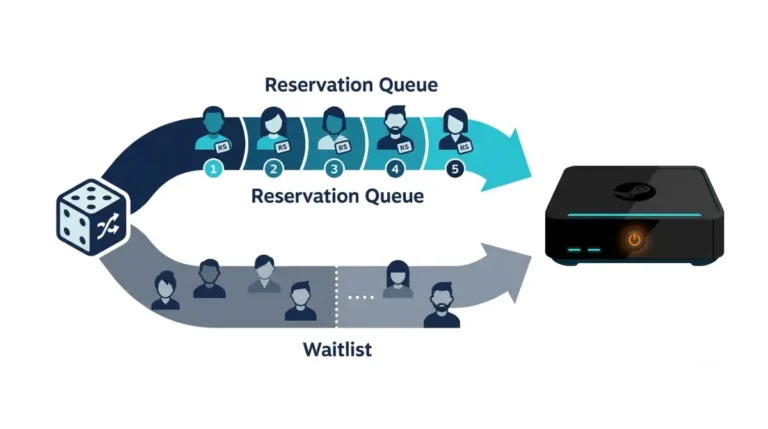
At launch, Valve’s sign-up asked buyers to pick a model or bundle (PC Gamer). In its latest update we found, Valve says reservation holders should get a purchase offer by the end of 2026, and each product and region has its own reservation queue, per PC Gamer and KitGuru. Waitlist entries carry no firm purchase guarantee, per TweakTown.
Why Valve says prices rose
Valve ties launch prices to component costs it secured over about six months, per Neowin; we found no forward price commitment.
The 512GB-plus-microSD bridge
A 512GB model plus a microSD card needs no tools, so storage can wait until you know your library.
Before you swap or reinstall: backups, warranty, recovery
A swap touches your data, your warranty and the SteamOS install, not only the drive.
Back up before you open anything
⚠️ Watch Out: A replacement drive starts without SteamOS, so the reinstall can’t be skipped. Keep the original drive until the new one boots, and back up anything you can’t re-download.
Check Valve’s warranty terms first
NeoTeo reports Valve warns that damage from opening or modifying the Steam Machine may not be covered. Read Valve’s hardware warranty terms and ask Valve Support about coverage; we haven’t confirmed that page names the Steam Machine.
SteamOS recovery comes from Valve
iFixit sends owners to Valve’s SteamOS installation and repair instructions for reinstalling SteamOS; use only Valve’s files.
Steam Machine 512GB vs 2TB: common questions
1. What is the difference between the Steam Machine 512GB and 2TB?
The Steam Machine 512GB and 2TB models differ in storage, price and two extra faceplates; CPU, GPU and RAM match.
2. How much more does the Steam Machine 2TB cost?
The Steam Machine 2TB costs $300 more than the 512GB at Valve’s launch prices: $1,349 versus $1,049, as of October 2026.
3. Is 512GB enough for a Steam Machine?
For a Steam Machine, 512GB is enough only if your installed games’ Steam-page storage figures fit; a microSD card adds space.
4. Can you upgrade the Steam Machine SSD later?
Yes. iFixit documents one M.2 NVMe slot on the Steam Machine that takes 2230 or 2280 drives. Back up first and use iFixit’s guide or Valve Support.
5. What M.2 sizes fit the Steam Machine?
The Steam Machine’s single M.2 slot accepts 2230 or 2280 drives, per iFixit; a movable standoff screw sets the length.
6. Does the Steam Machine have a microSD slot?
Yes, both Steam Machine models include a microSD slot, and a card used in a Steam Deck should generally work.
7. Do you need to reinstall SteamOS after a Steam Machine SSD swap?
Yes. iFixit says the swap is only physical and extra software steps are needed; use Valve’s SteamOS instructions. Back up first.
8. Does swapping the Steam Machine SSD affect the warranty?
NeoTeo reports Valve says damage from opening or modifying the Steam Machine may not be covered; we haven’t confirmed Valve’s terms. Ask Valve Support before opening it.
9. What do the Steam Machine 2TB and controller bundles include?
The 2TB Steam Machine adds red fabric and solid walnut faceplates; the Steam Controller bundle adds $79 to either model.
10. Is the Steam Machine 2TB faster than the 512GB?
Valve’s quoted spec lines list no drive model or speed for either Steam Machine, so any 2TB speed difference is unstated.
Conclusion
Compare your installed library with 512GB, weigh the $300 gap against any drive you would buy, and decide whether you will open the case. If you do, back up first and ask Valve Support about coverage. Still deciding? See whether the Steam Machine is worth buying or how it compares with a Steam Deck. We did not test the hardware; sources are credited above.