Find the Right Mini-ITX Case for a Steam Machine Build
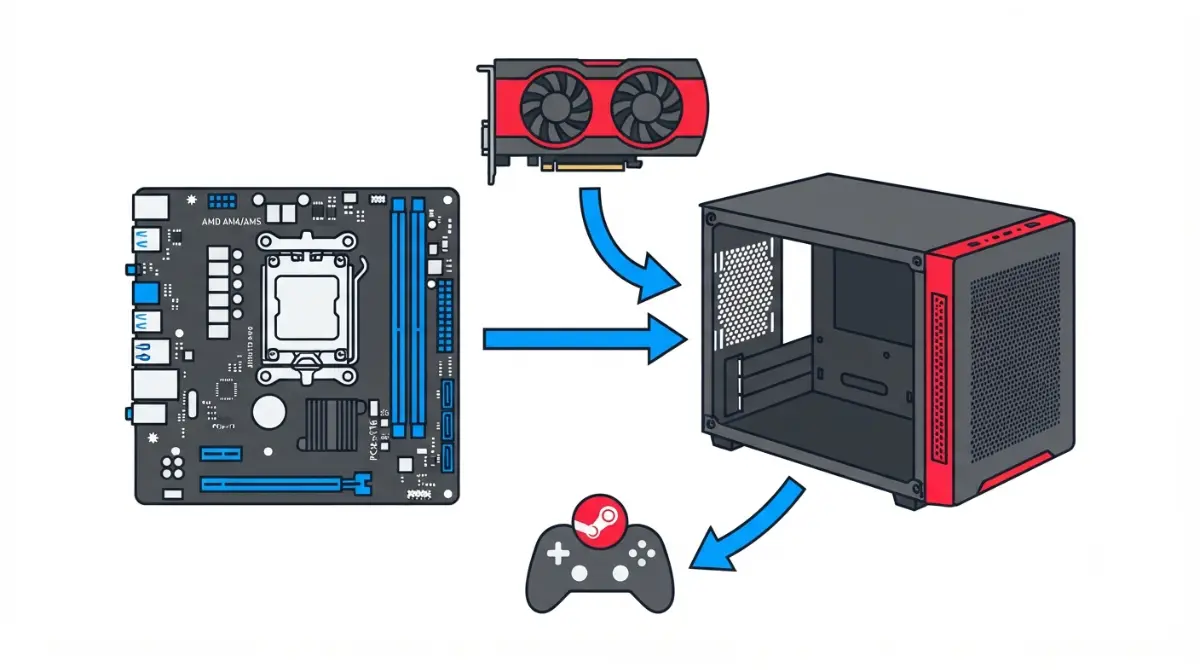
Table of Contents
Can you build a Steam Machine in a mini-ITX case?
Yes, a mini-ITX case can hold a Steam Machine-style PC, but it will be larger than Valve’s cube, and SteamOS supports only AMD graphics cards for now. Valve says SteamOS 3.8 lets you build one from parts you choose, per Tom’s Guide.
Where are you starting?
- Choosing a case: see the size table.
- Own a GPU: run the three-number check.
- Unsure about SteamOS: read on.
ℹ️ Risk Note: Installing an operating system can erase a drive, and forcing a tight GPU power cable can damage a connector. Back up your data, follow Valve’s and the parts makers’ instructions, and ask their support when unsure.
How small is the Steam Machine next to a mini-ITX case?
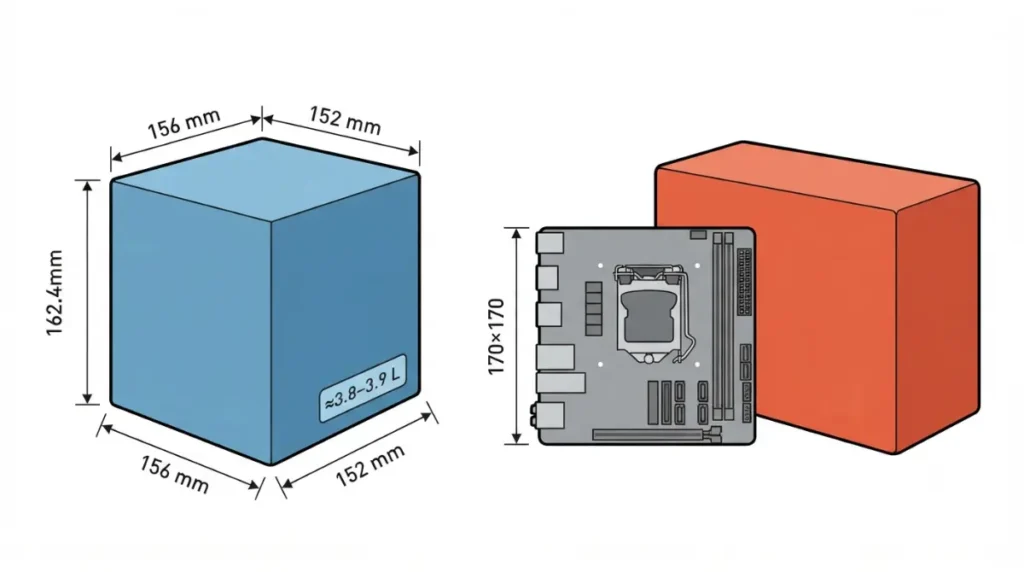
Valve lists the Steam Machine at 152 mm tall (148 mm without feet), 162.4 mm deep and 156 mm wide, weighing 2.6 kg.
Valve’s cube in numbers
📊 Spec Check: Those outer dimensions come from Valve’s Steam Machine page Multiplied out, they give about 3.85 litres (our arithmetic).
Why a mini-ITX board outgrows it
ASRock lists its B650I Lightning WiFi at 17.0 × 17.0 cm, the standard 170 mm mini-ITX size. Every outer edge of Valve’s cube is shorter, so a standard board can’t lie flat inside it. Tom’s Hardware describes a diagonal-mount print, Terk Box v1.1, that takes GPUs up to about 180 mm. Valve’s own limits are in our Steam Machine specs and upgrade limits pillar.
What does a SteamOS build need before you pick a case?
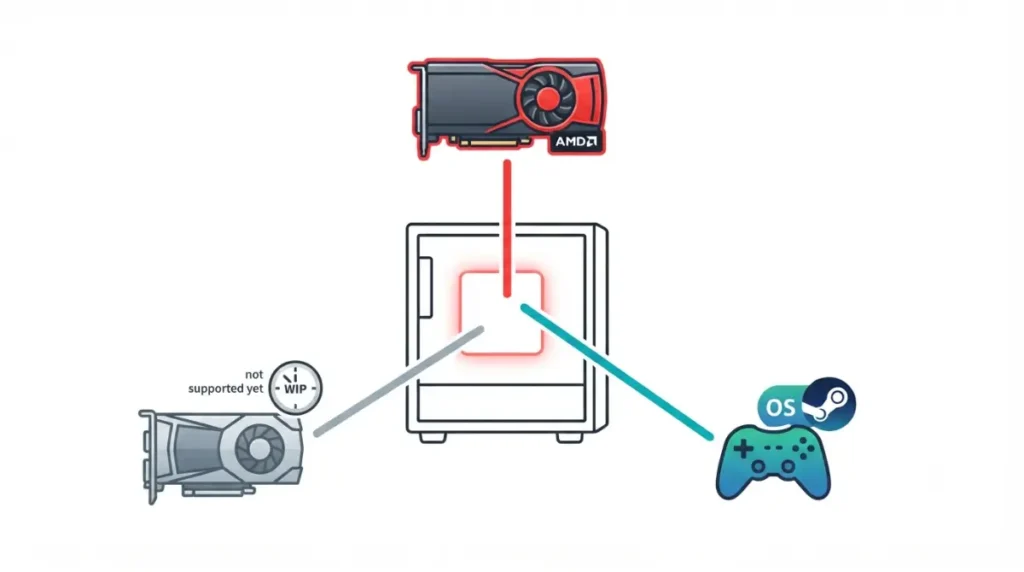
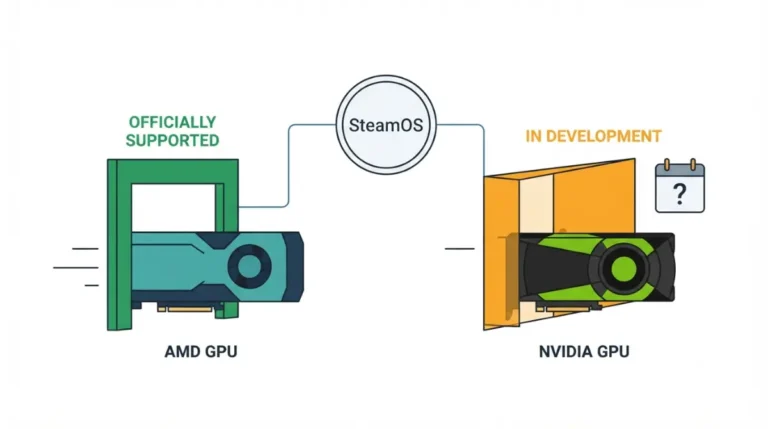
Valve currently supports only AMD GPUs for SteamOS on desktop PCs, so your case has to fit a Radeon card.
The AMD GPU requirement
Valve says only AMD GPUs are supported for now. Valve’s Pierre-Loup Griffais said, per Tom’s Guide, Nvidia work is underway but may not land this year. Our SteamOS AMD GPU requirement guide has more.
Install limits
SteamOS 3.8.10 reached all users on June 17, 2026, with improved compatibility with recent Intel and AMD platforms. Griffais also said there is no easy dual-boot option yet.
🧩 Compatibility Check: Confirm your GPU is AMD before buying a case.
Which power supply format fits a small mini-ITX case?
The case’s spec page decides, because PSU formats differ in length and some small cases accept only one.
SFX, SFX-L and ATX sizes
| Format | Size (W × H × L) | Key Detail |
|---|---|---|
| SFX | 125 × 63.5 × 100 mm | Common in compact cases |
| SFX-L | 125 × 63.5 × 130 mm | Longer; allows higher wattage |
| ATX | 150 × 86 × 140–180 mm | Only if the case lists ATX |
Source: Corsair’s power supply form factor guide.
Checking your case
🧩 Compatibility Check: Find “PSU compatibility” on the case spec page, and size wattage to your GPU’s rated power. Our mini-ITX compatibility limits guide covers more.
Which mini-ITX case size fits a Steam Machine-style build?
Cases fall into 3D-printed cubes and ready-made shoebox cases; figures come from each listing.
Console-cube prints and shoebox cases
| Case | Volume | Max GPU | PSU | Key Detail |
|---|---|---|---|---|
| Valve Steam Machine | ≈3.85 L | n/a | Custom | Reference |
| STEAMn’t Machine (print) | 8.7 L | 225 mm | SFX, Flex ATX | Cooler to 115 mm |
| 3DCatt cube (print) | ≈10.6 L | 200 mm | SFX or Flex ATX | Side panel limits airflow |
| Fractal Node 304 | 19.5 L | 310 mm | ATX | GPU 45 mm thick; cooler to 165 mm |
The smallest print is about 2.3 times Valve’s volume.
The three-number check
✅ Do This: Check maximum GPU length (with cable-bend room), PSU format and cooler height on your case’s spec page.
Is a mini-ITX Steam Machine build cheaper than Valve’s?
Only slightly, and prices move quickly.
Valve’s price against DIY estimates
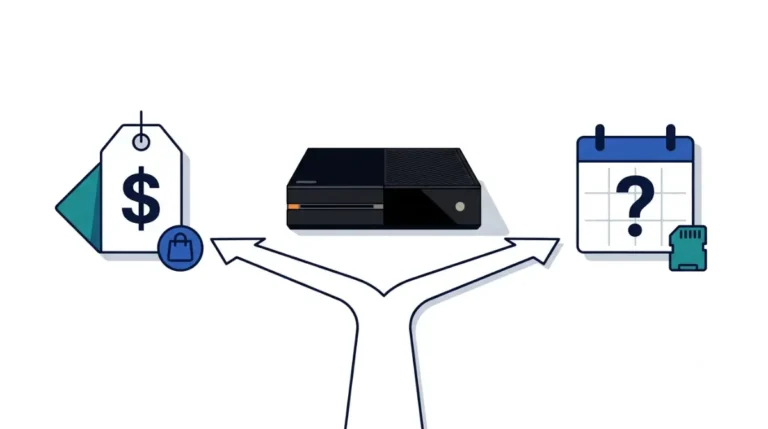
Valve launched the Steam Machine in June 2026 at $1,049 (512GB) and $1,349 (2TB), via a reservation queue. PCWorld priced parts approximating Valve’s hardware at $1,072.72 on June 22, 2026, while PC Guide’s Node 304 build came to just under $1,000 using sale pricing.
Small-case premiums
We found no sourced SFX or mini-ITX premium figures; check dated prices on current listings.
What goes wrong when a GPU barely fits?
Tight fits fail in a few predictable places.
Power connector strain
Leave bend room near the power connector, never force a plug, and follow the GPU and PSU makers’ guidance, especially for 12V-2×6.
Riser and diagonal layouts
Tom’s Hardware notes user comments on Terk Box v1.1 reporting fit trouble, including a riser cable too short for some GPUs.
⚠️ Watch Out: Griffais described a single-drive, non-dual-boot setup as the one that works today, so back up any drive before installing SteamOS. If a cable looks strained, ask the GPU or PSU maker’s support for bend limits.
Mini-ITX Steam Machine build FAQs
1. How big is the Steam Machine?
Valve lists 152 mm tall (148 mm without feet), 162.4 mm deep and 156 mm wide, at 2.6 kg.
2. Can I build a Steam Machine in a mini-ITX case?
Yes. Valve says SteamOS 3.8 runs on parts you choose, but only AMD graphics cards are supported.
3. Does SteamOS work with Nvidia cards?
Not officially yet. Valve supports only AMD GPUs, and Nvidia support may not arrive this year, per Griffais.
4. Does a mini-ITX board fit a Steam Machine-sized case?
Not flat. A 170 mm mini-ITX board is longer than every outer edge of Valve’s cube.
5. What PSU does a mini-ITX case need?
Check the case’s PSU line: SFX is 125 × 63.5 × 100 mm, SFX-L 30 mm longer, some cases take ATX.
6. Can a mini-ITX case take an ATX power supply?
Only if it lists ATX support; Node 304 does, while the printed designs here take SFX or Flex ATX.
7. Is a DIY mini-ITX Steam Machine build cheaper?
Not by much. Valve launched at $1,049 in June 2026; credited DIY estimates landed near $1,000 to $1,073.
8. How long a GPU fits a small mini-ITX case?
It varies: Node 304 lists 310 mm, the 3DCatt cube 200 mm, the STEAMn’t Machine 225 mm.
9. Can I dual-boot SteamOS and Windows?
Not easily. Griffais says there is no easy dual-boot option yet, so back up before installing SteamOS.
10. How do I check a GPU fits my case?
Compare three spec-page numbers: GPU length plus cable-bend room, PSU format, and CPU cooler height.
Your three-number check before buying a case
Check GPU length with cable-bend room, PSU format and cooler height on each spec page, then confirm the GPU is AMD. Next: choosing an AMD GPU for SteamOS and CPU cooler height clearance. We did not test any hardware here; back up your drives first, and ask the part maker’s support if a fit looks forced.