Steam Machine No Display? Follow This Simple Check Order
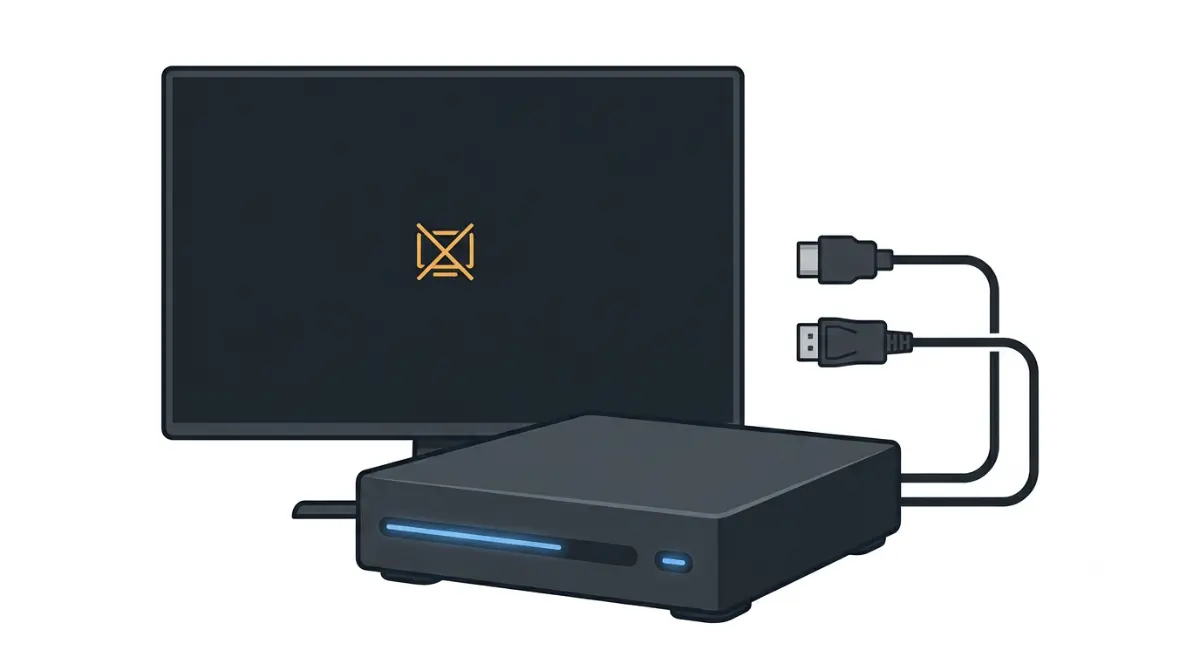
Table of Contents
Steam Machine no display: start with the light bar
A Steam Machine with no display is usually one of three things: it’s still starting up, the screen isn’t getting a signal, or it needs Valve’s reset. The front light bar and the small power LED help you tell which.
Is the machine on at all?
If nothing lights up, check the power cable and outlet first.
Blank screen, or stuck mid-boot?
Lights on with a blank screen points to the display path (Section 3). A stall after an update points to Valve’s reset (Section 4). A red light? Read the table in Section 2 first.
ℹ️ Risk Note: Resetting firmware settings or opening the case can change settings and affect warranty coverage. Use only Valve’s own method, and contact Steam Support if anything is unclear.
What the Steam Machine light bar is telling you
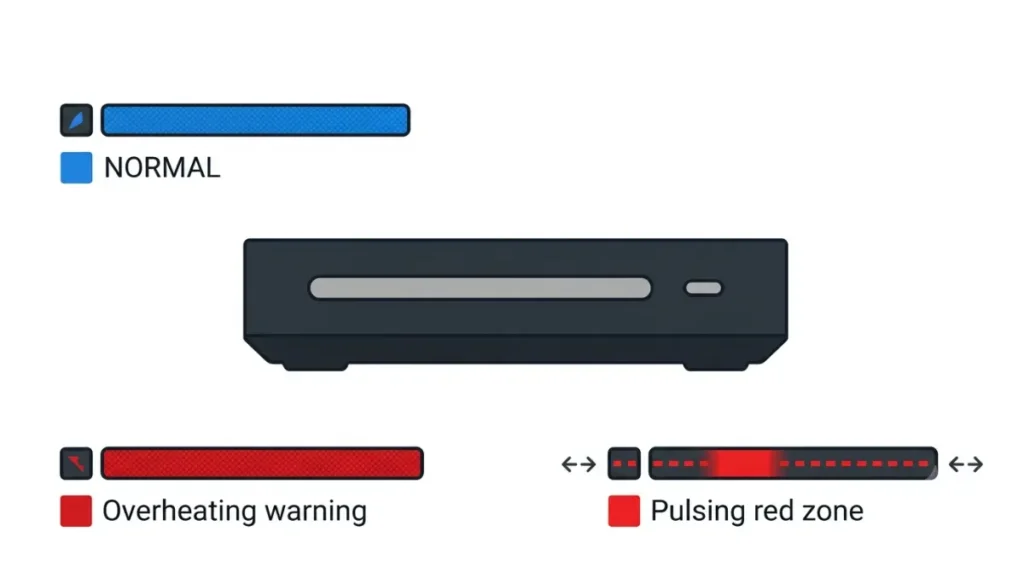
KitGuru reports the bar stays blue in normal use; red signals a fault.
| Pattern | What Valve’s page lists | Next step |
|---|---|---|
| Solid red, whole bar | CPU over 95°C or GPU over 90°C | |
| Pulsing red zone | RAM missing, SSD error, failed memory test, or GPU failure, by zone | Try Valve’s reset |
| Power LED breathing white after replugging | Valve’s steps say open a ticket | Contact Steam Support |
Source: Valve’s LED page as reported by The FPS Review and Club386 (July 2026), plus Valve’s support account steps. Read Valve’s live page for current wording.
Why Valve’s red zones may be mirrored
A Valve support representative said the front-panel code is mirrored left to right out of the box, so a red zone’s position may mean the opposite of what the page shows. Compare any pattern against Valve’s LED guide before acting.
Check the cable, port, and TV input
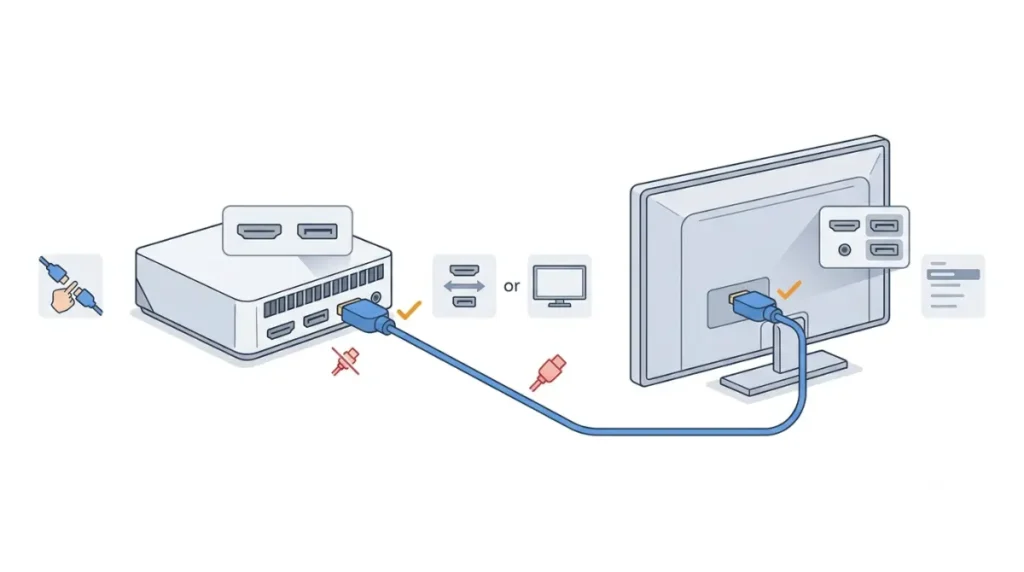
HDMI 2.0 vs. DisplayPort 1.4
Valve’s published specs list a DisplayPort 1.4 output and an HDMI 2.0 output. For the full port and spec picture, see Steam Machine specs, upgrades, and limits.
TV input, CEC, and wake behavior
If your screen shows no signal, work through these in order:
- Reseat the cable at both ends.
- Move the cable to the other Steam Machine output.
- Try a different cable or another screen.
- Select the matching input on your TV or monitor.
- Power the machine on again after switching inputs.
🧩 Compatibility Check: Open your TV or monitor manual and find the input-mode and CEC settings for the HDMI port you use; names vary by brand and model.
Try Valve’s official CMOS reset
Valve’s support account published this CMOS reset for machines stuck on a red light after an update, as transcribed by The FPS Review in July 2026.
The reset sequence, step by step
- Unplug the Steam Machine, then press the power button a few times to drain stored power.
- Plug it back in. If the power LED breathes white, stop and open a Steam Support ticket.
- Hold the power button for about six seconds and release when the indicator LED flashes.
- The indicator cycles through colors; when it turns green, short-press the button. This performs a full CMOS reset.
- On the next boot, expect a blue bar and a longer startup while memory retrains.
What a successful reset looks like
Valve describes a blue bar on the next boot as the expected result. If red returns, open a Steam Support ticket.
⚠️ Watch Out: Valve’s steps are the only recovery method covered here. Skip other firmware tools, and contact Steam Support if the steps don’t match what you see.
Why it happens: memory training, updates, and heat
Memory training after a BIOS update
Valve’s support account said one stuck unit’s red line followed a BIOS update and was very likely memory training after an update that didn’t finish.
🔍 Why It Works: As Club386 explains, memory training sets timings and signal levels for the installed memory; a reset forces a fresh run, so the first boot can be slower.
The early red overheating light
A separate red light, solid across the whole bar, fired too early because of a BIOS bug, Valve’s support said in July 2026. Tom’s Hardware reported the planned fix raises the threshold from 95°C CPU and 90°C GPU to 100°C for both.
When to stop and contact Steam Support
Signs it’s a support case
Open a Steam Support ticket if the power LED breathes white after you replug the machine, or a red light returns after Valve’s reset. Describe the light pattern and any steps you tried.
What you can and can’t fix at home
iFixit publishes 18 official guides for the Steam Machine, including separate guides for the HDMI and DisplayPort board and the motherboard, but no standalone GPU replacement guide appears in that list. iFixit’s store had no Steam Machine parts as of September 2026 reports.
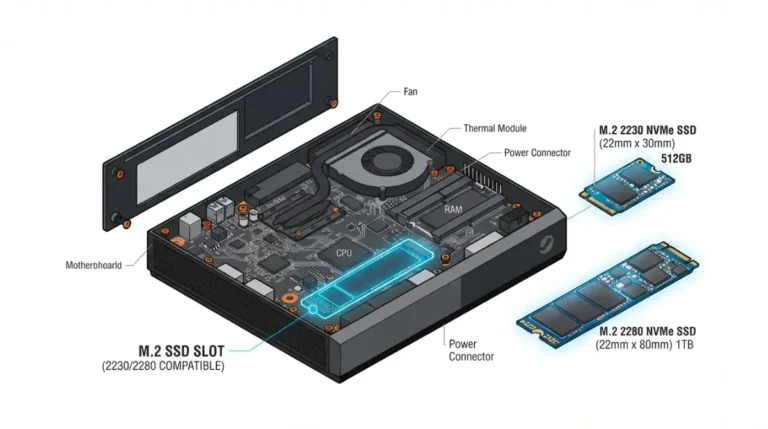
Reports say Valve advises against opening the machine, so check warranty terms with Valve before a RAM or SSD swap. If you recently swapped either, see our Steam Machine RAM upgrade and SSD upgrade guides.
What not to try on a Steam Machine with no display
Skip unofficial firmware
Stick to Valve’s own recovery method. The steps cover a CMOS reset only; they don’t include flashing BIOS files, so skip other firmware tools.
Don’t open the case first
Opening the case is a last resort, not a troubleshooting step. Check Valve’s warranty terms first, and contact Steam Support if a red light stays on.
⚠️ Watch Out: A red light after an update isn’t proof of hardware failure, so don’t open the case before trying Valve’s reset and contacting Steam Support.
Steam Machine no display: quick answers
1. Why is my Steam Machine not displaying anything?
With a Steam Machine showing no display, read the light bar, try the other output, then try Valve’s CMOS reset.
2. What does the red light mean on a Steam Machine?
A Steam Machine’s solid red bar means overheating; a pulsing red zone suggests RAM, SSD, memory, or GPU, but Valve says zones are mirrored.
3. Is the “red line of death” a dead GPU?
Not necessarily. Valve’s support account said one Steam Machine’s red line was very likely a memory-training issue after an incomplete BIOS update.
4. How do I reset the CMOS on a Steam Machine?
Unplug, press the power button a few times, replug, hold it ~6 seconds, then short-press at the green indicator: Valve’s Steam Machine CMOS reset. If the power LED breathes white after replugging, open a Steam Support ticket.
5. Why does my TV say no signal with the Steam Machine on?
A Steam Machine on with no display can be a port, cable, or TV input-mode issue; try the other output and check your TV manual.
6. Should I use HDMI or DisplayPort?
The Steam Machine offers HDMI 2.0 and DisplayPort 1.4. If there is no display on one, try the other and check your screen’s input mode.
7. Why is the first boot after a reset slow?
After the reset, Valve says a Steam Machine’s first boot may take longer while memory retrains, and the bar should show blue.
8. Is the red overheating light a real problem?
It can be a false alarm: Valve said a BIOS bug lit the Steam Machine’s red light early, with a fix coming. If it stays on, contact Steam Support.
9. When should I contact Steam Support?
Open a Steam Support ticket if your Steam Machine’s power LED breathes white after replugging, or the red light stays after Valve’s CMOS reset.
10. Can I fix it by opening the case?
Not as a first step. Reports say Valve advises against opening a Steam Machine; iFixit has official guides, but check warranty terms with Valve first.
Conclusion
Work in order: read the light bar, check the cable, port, and input, try Valve’s CMOS reset, then open a Steam Support ticket. For display-mode questions, see our HDMI 2.1 and the Steam Machine guide. This page reflects Valve guidance as of October 12, 2026; we did not test any hardware.