A Clear Look at Steam Machine Windows 11 and What You Lose
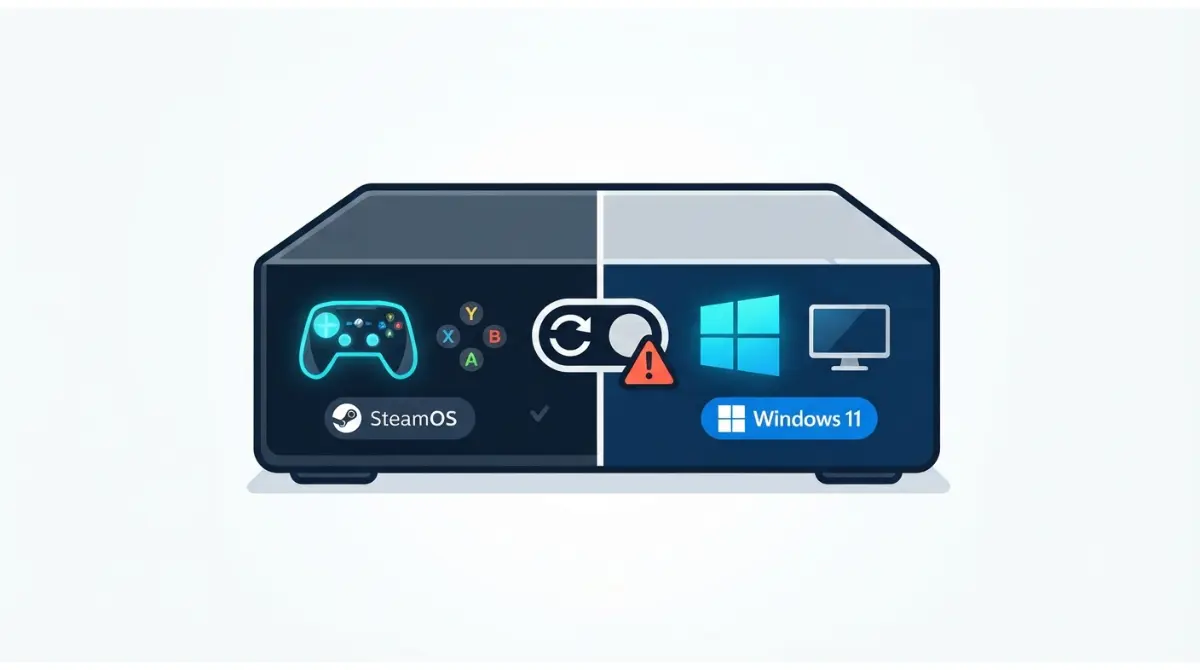
Table of Contents
Can you run Windows 11 on a Steam Machine?
The short answer
Yes. Valve published official Windows drivers for the Steam Machine in July 2026, but installing Windows 11 erases SteamOS, dual-boot isn’t available, and Valve doesn’t support Windows on its hardware (Valve’s notes, reported 7 July 2026).
Who this is for
The machine costs $1,049 for 512 GB or $1,349 for 2 TB (as of October 2026), so a wipe is a real decision. Planning one now? Start with the give-up matrix.
Playing competitive games? Read the anti-cheat section. Using a TV? Read the HDMI section.
ℹ️ Risk Note: Installing Windows erases SteamOS and everything on the drive. Back up what matters, follow only Valve’s published steps, and contact Valve Support for hardware or warranty questions.
Which Windows drivers does the Steam Machine have?
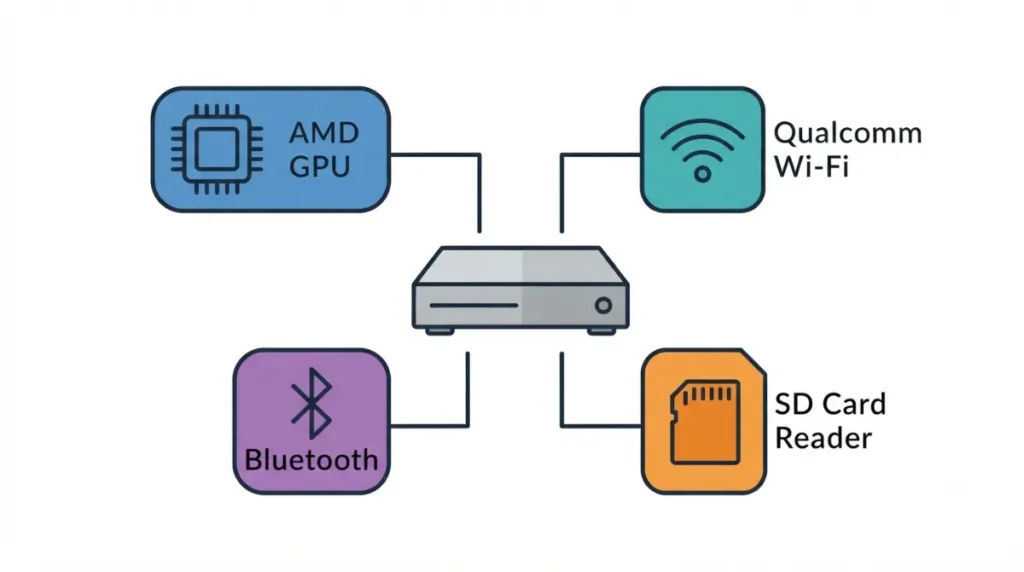
Valve lists four driver packages for the Steam Machine on its Windows resources page.
The four driver packages
| Component | Valve package |
|---|---|
| Graphics (AMD) | Graphics driver |
| Wi-Fi (Qualcomm) | Wi-Fi driver |
| Bluetooth | Bluetooth driver |
| SD card reader | SD card reader driver |
Source: Valve Steam Support, as reported by Neowin and Guru3D, July 2026.
Why you need Ethernet during setup
Windows setup has no Wi-Fi driver yet, so Valve’s notes call for a wired connection during install, then the Wi-Fi driver.
🧩 Compatibility Check: Check Valve’s Windows resources page for current Steam Machine files and notes, not the Steam Deck packages beside them.
What changes the moment you wipe SteamOS
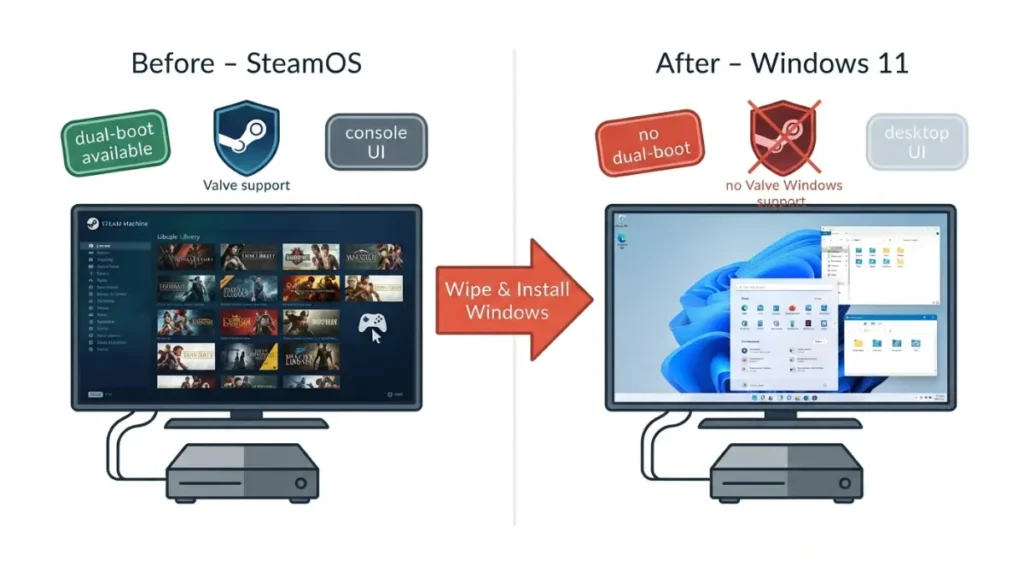
Valve says installing Windows wipes the Steam hardware, so Windows replaces SteamOS rather than joining it.
Dual-boot is not available yet
Valve says the hardware can dual-boot, but its dual-boot installer wizard “isn’t ready yet” (reported 7 July 2026).
What you give up, row by row
| Item | SteamOS | Windows 11 | Status |
|---|---|---|---|
| Dual-boot | n/a | Not available | Confirmed |
| Valve support | Valve’s own OS | Not provided | Confirmed |
| Console-style interface | Included | Desktop interface | Reported |
| Way back to SteamOS | n/a | Unconfirmed | Unresolved |
| Anti-cheat titles | Many unsupported | Unresolved | |
| HDMI behavior | HDMI 2.0 speeds | Partly confirmed |
Sources: Valve’s notes via Neowin, VideoCardz and PC Guide; TechRadar (interface). As of 7 October 2026.
⚠️ Watch Out: The wipe erases the whole drive. Back up first and follow only Valve’s notes.
Does Windows 11 unlock anti-cheat games?
Windows alone doesn’t settle it: Windows 11 and some anti-cheat systems add firmware requirements.
What Windows 11 itself requires
📊 Spec Check: Microsoft lists TPM 2.0 and “UEFI, Secure Boot capable” firmware as Windows 11 minimums. Source: Microsoft’s Windows 11 specifications, checked 7 October 2026.
What anti-cheat systems add
TechRadar notes many anti-cheat tools don’t support Linux, keeping some online games off SteamOS. DSOGaming reported Battlefield 6 won’t start without Secure Boot, and Ars Technica reported in 2021 that Riot’s Vanguard began requiring it on Windows 11.
What to check before buying a game
🧩 Compatibility Check: Check the game’s anti-cheat requirements on the publisher’s support page, then the Steam Machine’s firmware menu for a Secure Boot option.
HDMI 2.1 on Windows: does it change anything?
The hardware supports HDMI 2.1, but SteamOS is limited to HDMI 2.0 speeds, according to heise.
Why SteamOS is limited to HDMI 2.0
🔍 Why It Works: The HDMI Forum rejected AMD’s open-source HDMI 2.1 driver, and SteamOS relies on open-source drivers. Variable refresh runs through AMD’s FreeSync rather than standard HDMI VRR.
What Windows may change
Valve told heise it validated the HDMI 2.1 hardware under Windows. Whether the retail Windows graphics driver delivers HDMI 2.1 or HDMI VRR to a TV isn’t documented in the sources reviewed.
Which port to use
| Your display | Port | Key Detail |
|---|---|---|
| Has DisplayPort input | DisplayPort 1.4 | Not covered by the HDMI Forum limit |
| HDMI-only TV | HDMI | Check the TV’s FreeSync-over-HDMI listing |
Windows 11 vs SteamOS: performance on this hardware
Only one public Windows 11 vs SteamOS test on a Steam Machine turned up, so treat these numbers as early.
What the one early test showed
YouTuber ETA Prime ran Windows 11 with Valve’s drivers against SteamOS, as reported by TechSpot on 16 July 2026.
| Test | Result | Key Detail |
|---|---|---|
| Cyberpunk 2077 | SteamOS ahead by over 8% | 1080p, ultra |
| Other games | Gaps usually under 3% | Varies by title |
| Geekbench 6 multi-core | Windows ahead by about 22% | Single-core similar |
Source: TechSpot reporting ETA Prime’s test; PCMag noted the unit’s memory was upgraded from 16 GB to 64 GB.
Why it isn’t a verdict
Conclusions need two independent tests; this is one video on an upgraded unit. For GPU context, see which desktop graphics card it matches.
Before you wipe SteamOS: backup, recovery, support
Valve doesn’t support Windows on its hardware, so the safeguards are yours.
Back up first
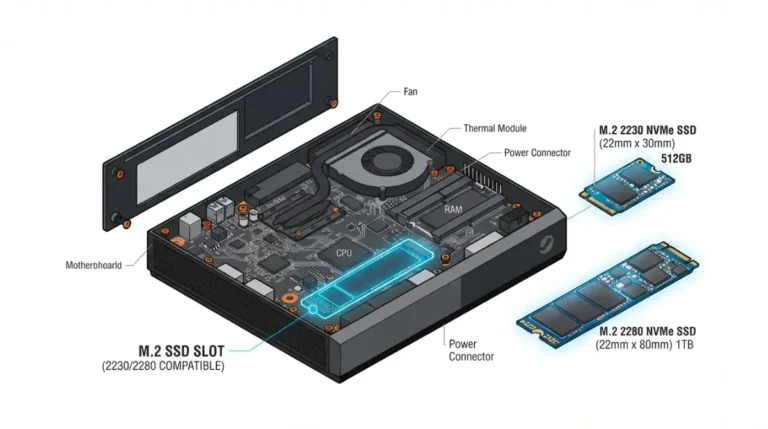
Valve says installing Windows wipes the storage, so copy off anything you need first. Storage options are in the Steam Machine storage expansion guide.
Know your way back to SteamOS
Steam Support has a SteamOS recovery and troubleshooting page, but this article couldn’t confirm it covers the Steam Machine Confirm the restore method before you start.
Who to ask about warranty
Valve’s notes don’t say whether installing Windows affects hardware warranty, so ask Valve Support before wiping.
✅ Do This: Back up your data, then ask Valve Support to confirm the restore method and warranty position before installing Windows 11.
Steam Machine Windows 11 questions
1. Is Windows 11 officially supported on the Steam Machine?
Valve provides official drivers for Windows 11 on the Steam Machine but doesn’t offer support, so problems fall outside Valve’s help.
2. Can I dual-boot SteamOS and Windows 11 on a Steam Machine?
Not with an official tool as of Valve’s July 2026 notes; its dual-boot installer isn’t ready yet. Back up first and follow Valve’s notes.
3. Do I have to wipe SteamOS to install Windows 11 on the Steam Machine?
Yes. Valve says installing Windows wipes the Steam hardware’s storage, so Windows replaces SteamOS entirely. Back up first and follow Valve’s notes.
4. Which drivers does Windows 11 need on the Steam Machine?
Valve publishes four packages for Windows 11 on the Steam Machine: AMD graphics, Qualcomm Wi-Fi, Bluetooth, and the SD card reader.
5. Do I need Ethernet to install Windows 11 on the Steam Machine?
Yes. Wi-Fi drivers aren’t available during setup, so use a wired connection first and add the Wi-Fi driver afterward.
6. Will anti-cheat games run on Steam Machine Windows 11?
Not guaranteed: some, like Battlefield 6, need Secure Boot, and Valve’s notes don’t say whether the Steam Machine offers it.
7. Does Windows 11 give the Steam Machine HDMI 2.1?
Windows 11 behavior isn’t documented; SteamOS is limited to HDMI 2.0 speeds, though the hardware supports HDMI 2.1, per heise.
8. Is Windows 11 faster than SteamOS on the Steam Machine?
One early test was mixed: SteamOS led Cyberpunk 2077 at 1080p by over 8%, while Windows led Geekbench 6 multi-core by about 22%.
9. Can I go back to SteamOS after installing Windows 11 on the Steam Machine?
Valve’s recovery method for the Steam Machine isn’t confirmed in this article, so SteamOS restoration is unverified. Ask Valve Support to confirm it before you install.
10. How much does the Steam Machine cost before adding Windows 11?
$1,049 for 512 GB or $1,349 for 2 TB, as of October 2026, per Valve’s launch pricing.
Who should wipe SteamOS, and who should wait
Wait if you want dual-boot, since Valve’s wizard isn’t ready. Wipe only if a game or workflow needs Windows 11 and you accept no Valve support. Stay on SteamOS for the console-style interface.
Whatever you choose, back up first and ask Valve Support about recovery. For the full spec sheet, read the Steam Machine specs, upgrades, and limits guide.