Build your own Steam Machine and see where desktop parts differ

A DIY Steam Machine gives up HDMI-CEC TV wake and the built-in controller radio, and gets past Valve’s soldered 8 GB of VRAM with a card you can swap.
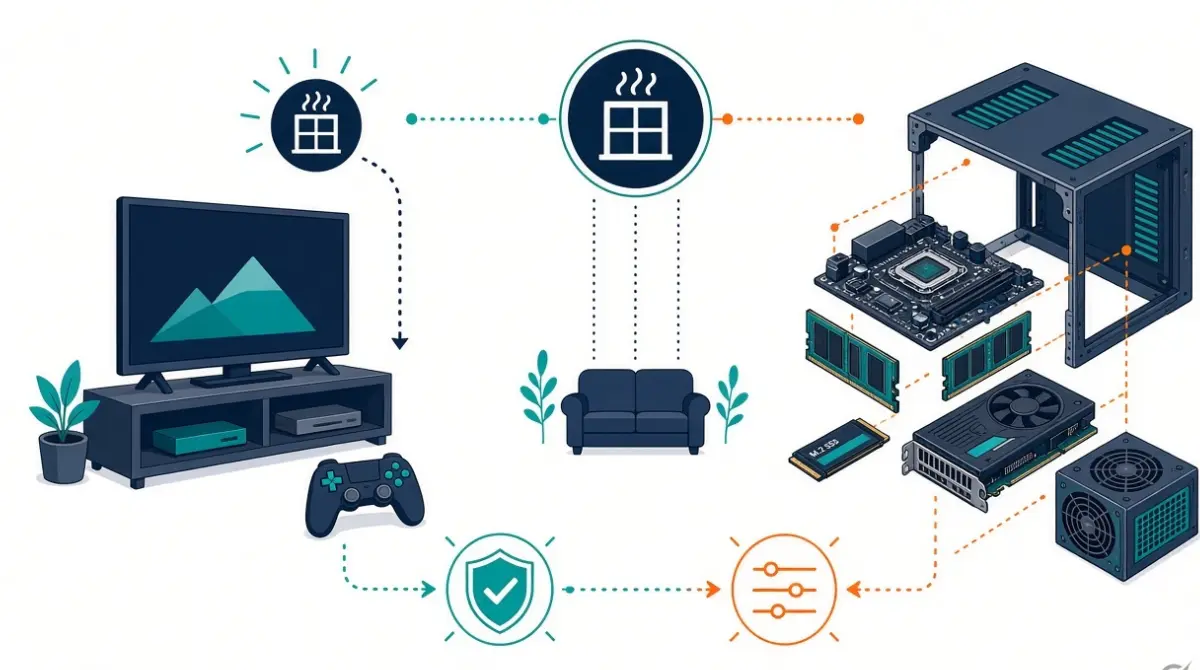
Table of Contents
Yes, you can build your own Steam Machine: since SteamOS 3.8, Valve’s Steam Machine FAQ says you can run the same operating system on a living-room PC built from whatever parts you want, as long as the graphics card is AMD. A self-built box loses HDMI-CEC TV wake and the built-in Steam Controller radio, and it gains room for more than 8 GB of video memory and a graphics card you can replace.
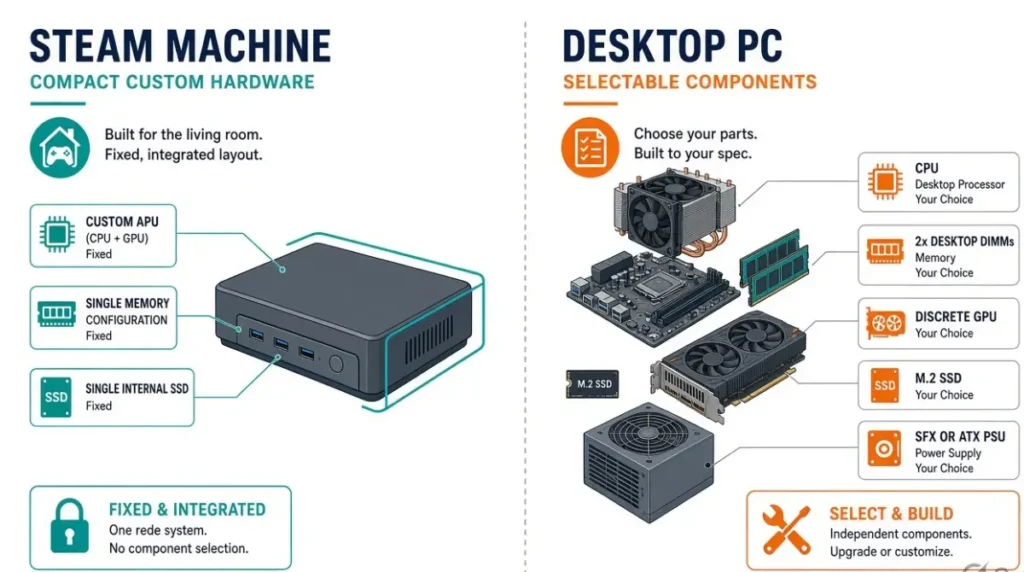
Below, each Steam Machine part sits beside its nearest desktop part, followed by what published DIY builds have cost against Valve’s $1,049 price.
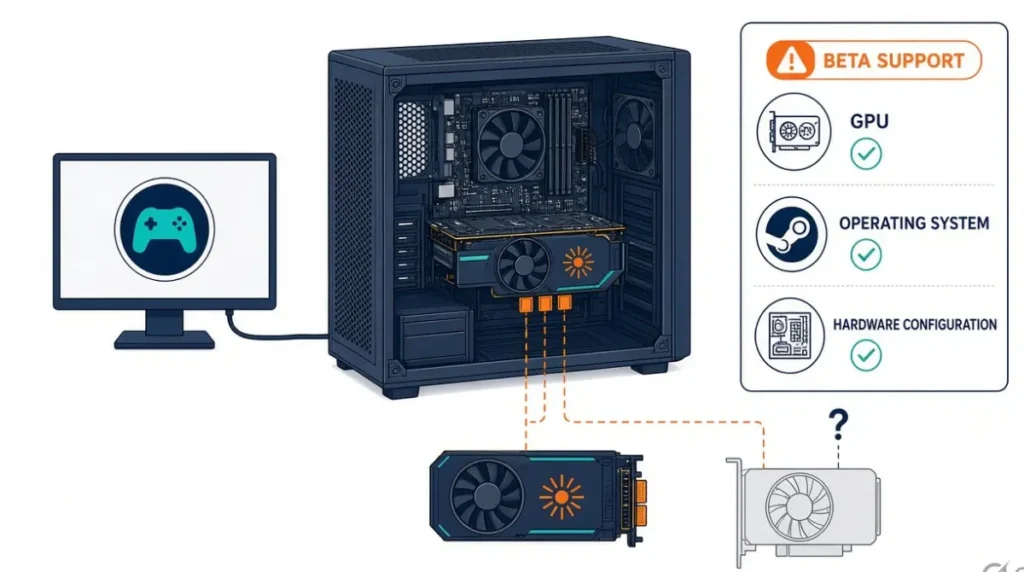
Valve now supports SteamOS on your own parts
SteamOS 3.8 is the release that put desktop PCs on Valve’s list. The SteamOS Installation and Repair page now carries “AMD discrete GPUs” as a beta-support entry alongside several AMD handhelds. Full “Powered by SteamOS” status stays reserved for Valve’s own hardware and Lenovo’s Legion Go S.
Beta is the word that matters. The entry names no individual cards, only “AMD discrete GPUs”, and NVIDIA cards aren’t on the list at all. Valve says support for more GPUs is being worked on, and why SteamOS needs an AMD graphics card covers the driver side of that rule.
The setup Valve has in mind is narrow. In an interview reported by Tom’s Guide, Valve’s Pierre-Loup Griffais described a PC plugged into a TV, running from one drive, with no dual boot. A box built to that shape matches what Valve supports; a desk PC that keeps Windows on another partition sits outside it.
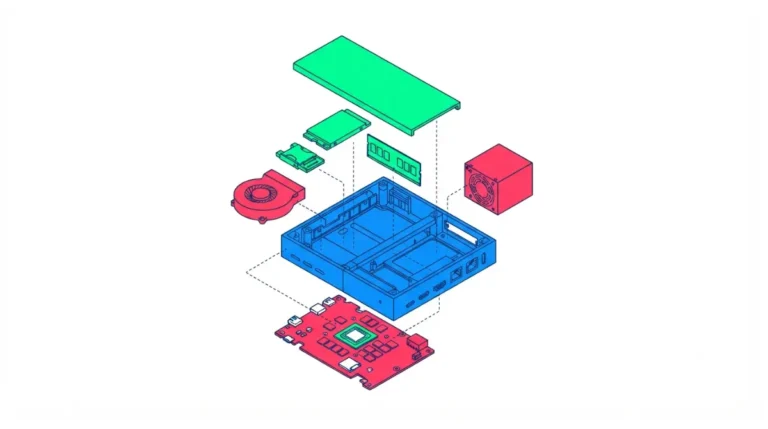
Each Steam Machine part and its nearest desktop match
Valve’s GPU runs 28 of the 32 compute units on the Navi 33 chip found in the Radeon RX 7600, at a 110 W TDP against the retail card’s 165 W typical board power. That works out to 87.5% of the shader hardware on two-thirds of the power, and most rows below follow the same pattern.
| Part | Steam Machine | Nearest desktop part | What changes |
|---|---|---|---|
| CPU | Semi-custom Zen 4, 6 cores/12 threads, up to 4.8 GHz, 30 W TDP | Ryzen 5 7600: Zen 4, 6 cores/12 threads, up to 5.1 GHz, 65 W default TDP | More than twice the power rating |
| GPU | RDNA 3, 28 CUs, 2.45 GHz max sustained clock, 110 W TDP, 8 GB GDDR6 | Radeon RX 7600: 32 CUs, 165 W typical board power, 8 GB GDDR6 | Four more compute units, 55 W more power |
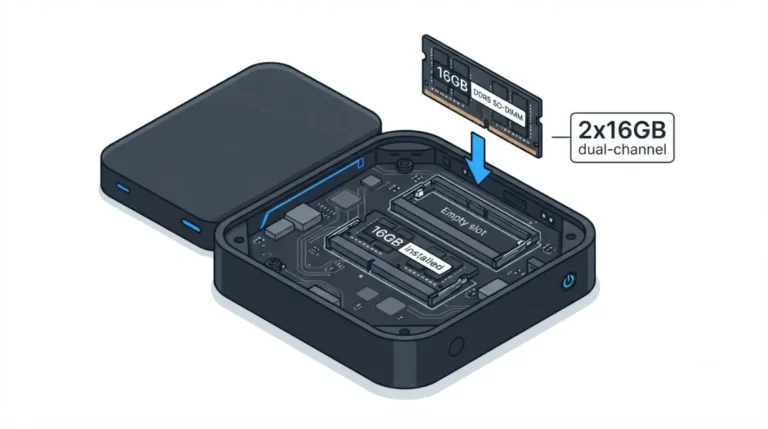
| System memory | One 16 GB DDR5-5600 SO-DIMM, single channel, two slots | Two DDR5 desktop DIMMs | Dual channel from the first boot |
| Storage | One M.2 slot, 2230 native, 2280 with the included standoff, plus microSD | M.2 2280 slots on the motherboard | Slot count comes from your board’s manual |
| Power | Internal supply, 110–240 V AC | Separate ATX or SFX unit | One more box to fit in the case |
| Cooling | One shared heatsink, custom 120 mm rear fan | Separate CPU cooler and GPU cooler | Two heat sources to place |
| Wireless | Wi-Fi 6E, Bluetooth 5.3, built-in 2.4 GHz controller radio | Board Wi-Fi and Bluetooth, Steam Controller Puck on USB | The controller radio becomes a USB device |
| Video outputs | DisplayPort 1.4, HDMI 2.0 | RX 7600: DisplayPort up to 2.1, HDMI 2.1 | Newer port versions on paper |
| Size | 156 × 152 × 162.4 mm (6.14 × 5.98 × 6.39 in), about 3.85 L | Mini-ITX case of your choice | Volume depends on the case you pick |
Sources: Valve Steam Machine specifications, AMD Ryzen 5 7600, AMD Radeon RX 7600; memory layout from Club386’s Steam Machine review.
In Gamers Nexus’s GPU-bound tests, the finished box landed closest to the RX 6600, Intel’s Arc B570 and the RTX 3060, with the RX 7600 and RTX 5050 the nearest modern cards ahead of it (Gamers Nexus review). Digital Foundry’s review explains the gap from the silicon side: the RX 7600 uses the same chip with all 32 compute units active and higher wattage.
Two rows need more than a table cell. The RX 7600’s HDMI 2.1 rating is a hardware figure, and AMD’s open-source Linux driver has had its own HDMI 2.1 restrictions, so read what HDMI 2.1 support looks like on SteamOS before planning on 4K 120 Hz over HDMI.
Valve’s spec sheet gives the internal supply’s 110–240 V input and no wattage. PSU sizing for a Steam Machine-class build works through the numbers for a desktop unit.
Every Valve figure in the table, with its upgrade limits, is collected on the Steam Machine specs and limits page.
HDMI-CEC, controller wake and what else stays behind
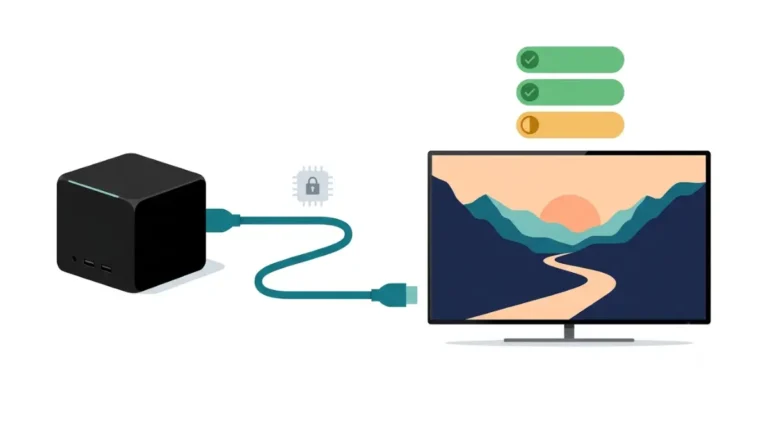
Pick up a Steam Controller on the couch and Valve’s box wakes with it: the Steam Controller page says it pairs to Steam Machine without its Puck and can wake it. Any other PC uses the Puck, a USB-C dongle that carries the 2.4 GHz link for up to four controllers.
A self-built box under the TV gives up these:
- TV control. Griffais said non-Steam Machine hardware lacks HDMI-CEC support, so your box can’t switch the TV on or change its input for you.
- Wake from the couch. Valve’s controller page promises controller wake for Steam Machine only, and the Puck takes up one of your USB ports.
- Support level. Your install runs under Valve’s beta entry, while Valve’s own box has full support.
Frame rates don’t change with any of these. They decide how close the box feels to a console once it sits on the shelf.
Is a DIY build still cheaper than $1,049?
$1,049 buys the 512 GB Steam Machine without a controller, and $1,128 adds one; the 2 TB model costs $1,349, or $1,428 with a controller (Valve’s store page). Published lists for an equivalent desktop have landed on both sides of the base price.
| (US retailer prices, US$, month published) | CPU and graphics card | Total | Against $1,049 |
|---|---|---|---|
| PCWorld, June 2026 | Ryzen 5 7600X, Radeon RX 7600 | $887.52 | $161.48 less |
| Gamers Nexus list, reported by Notebookcheck, July 2026 | Ryzen 5 7400F, Radeon RX 7600 | $979 | $70 less |
| XDA, October 2026 | Ryzen 5 7600, Radeon RX 7600 | $1,133 | $84 more |
Sources: PCWorld’s DIY build, Notebookcheck on the Gamers Nexus list, XDA’s price-out.
The three lists span $245.48. XDA’s list paid $250 for 16 GB of DDR5-6000 and $130 for a 512 GB SSD. The Gamers Nexus list stayed under Valve’s price with an A620 Mini-ITX board and a 400 W SFX supply, and with a 2 TB SSD it rose to $1,139, which is $210 under Valve’s 2 TB model.
Add $99 if your parts list lacks Valve’s controller. Valve’s bundle includes it for $79 over the base box.
Before you buy: XDA put its overrun down to RAM and SSD prices, so price those two parts again on the day you order.
Your own parts win on VRAM and upgrades
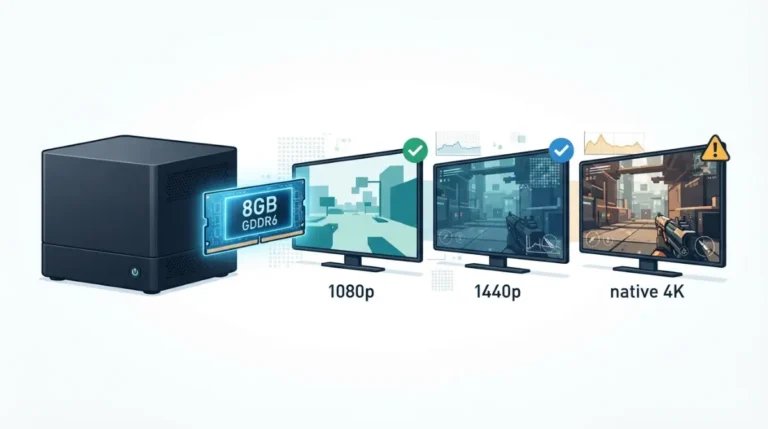
The 8 GB of GDDR6 in Valve’s box is soldered to the board (ETA Prime’s teardown, via Korben), and the GPU can’t be swapped for a faster one (TweakTown). A desktop build can start with a Radeon card that carries more video memory and change it later.
Memory splits the same way. Valve ships one 16 GB DDR5-5600 SO-DIMM in single channel, and reaching the second slot means removing the fan and lifting out the power supply (Tech Times on the teardown). A desktop board takes two sticks at the start. AMD rates the Ryzen 5 7600 for DDR5-5200 with two single-rank sticks; faster kits run through EXPO, which your board manual covers.
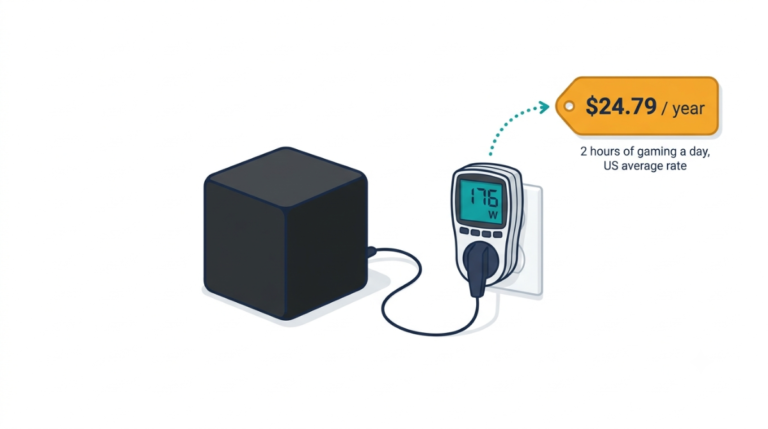
Power budgets differ too. Valve rates its CPU at 30 W and GPU at 110 W, 140 W together, while a Ryzen 5 7600 and RX 7600 are rated at 65 W and 165 W, 230 W together. Gamers Nexus measured the Steam Machine at 170–180 W while gaming, and Digital Foundry’s worst case came to 180–190 W from the wall.
One USB stick and a spare drive to install it
The installer erases the whole drive you point it at. Valve’s tools have no dual-boot option yet, so that drive becomes a SteamOS drive.
Back up first: Copy everything you want to keep off the target drive before step 4, or use a drive that holds nothing. Writing the image also erases the USB stick.
The steps follow Valve’s SteamOS Installation and Repair page, and PCWorld’s build used the same desktop shortcut in step 4.
- Download the SteamOS recovery image from Valve’s installation page.
- Write the image to the USB stick as a bootable image with a tool such as Rufus or balenaEtcher.
- Restart the PC, open the motherboard’s boot menu and choose the stick’s UEFI entry.
- On the recovery desktop, open “Wipe Device & Install SteamOS” and choose the target drive.
- Remove the stick when the install finishes, then restart.
If the screen stays black after the install, confirm the card is a Radeon discrete card, the only desktop graphics entry on Valve’s list, then open a ticket with Valve Support from the same help site.
Choose the AMD card first, then the case
Start with the graphics card, because it settles the rest of this build, from SteamOS support to the case length it needs. Valve’s box still makes more sense if you want the TV to switch on with the controller. If you already own a Radeon card, or want more than 8 GB of video memory, start with AMD cards that suit SteamOS and measure the one you pick against small cases that fit those cards.
Questions about DIY SteamOS boxes
Does a DIY SteamOS box need the Steam Controller?
No. Valve says the controller works with any PC running Steam, and it sells its own base model with no controller in the box.
Found this helpful? See more of our guides on Google.
Want to see our guides first on Google?