Measure, Then Fit a GPU Support Bracket the Correct Way

A GPU support bracket only helps if it fits: NVIDIA’s RTX 5090 Founders Edition is 2-slot, ASUS’s ROG Astral 3.8-slot. Here’s how to check yours.
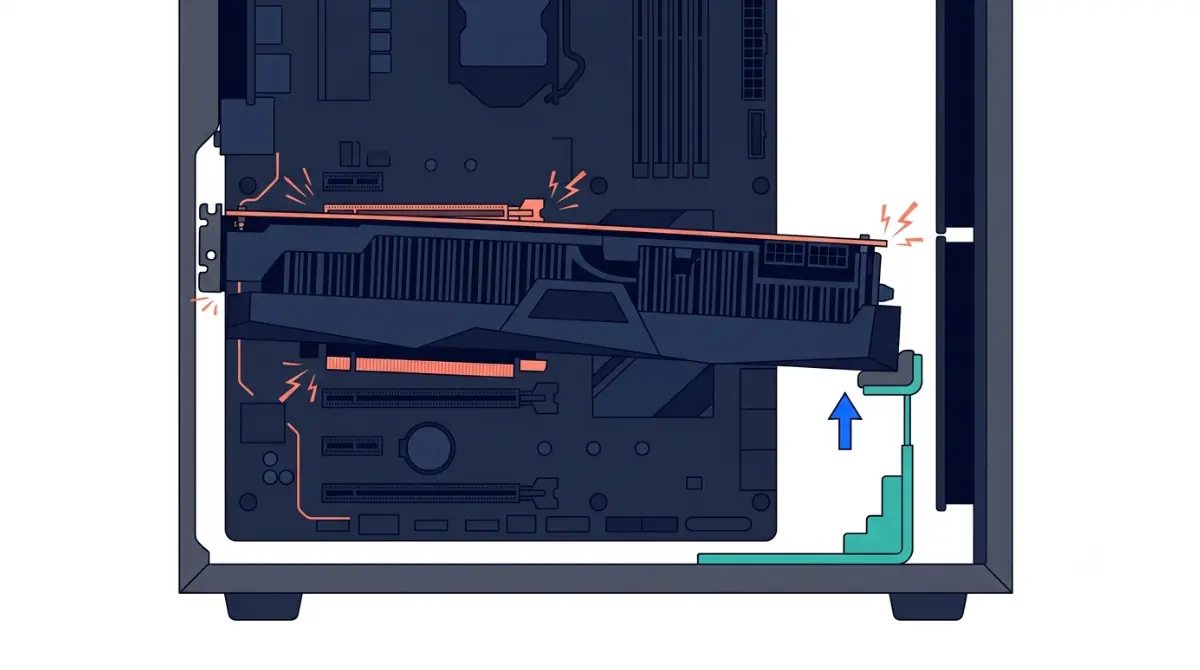
Table of Contents
Does your graphics card need a support bracket?
Quick answer: when a bracket helps
A GPU support bracket helps when a card is large or heavy, tilts in the slot, or travels with the case. Some cards ship with their own holder; ASUS lists one in the ROG Astral RTX 5090 box. Check your card’s box before buying anything.
What this guide covers
- First build: do the fit checks in Section 3.
- Upgrading to a bigger card: read why cards sag first.
- Card already tilting: go to the install steps or troubleshooting.
Slot loading is one piece of board fit; how PCIe slots and motherboard compatibility work covers the rest.
Why graphics cards sag and what it strains

Holding the card
A card is held by a PCIe slot latch and screws that fasten it to the case. ASUS’s installation guide describes both and notes that heavy cards can sag.
🔍 Why It Works: The cooler extends far from the slot, so its weight levers on the connector and case screws. A bracket shifts some load to the case.
📊 Spec Check: Tom’s Hardware reports the RTX 5090 Founders Edition at 1,826 g, against 2,186 g for the RTX 4090 Founders Edition.
How much harm sag does
Some guides call sag mostly cosmetic; retailer and repair-shop guides report slot and board strain. Research found no published failure threshold from a card maker or standards body.
Check clearance before you buy a bracket

Card size and slot width
Compare official dimensions before choosing a bracket.
| Card | Official dimensions | Slot width | Key Detail |
|---|---|---|---|
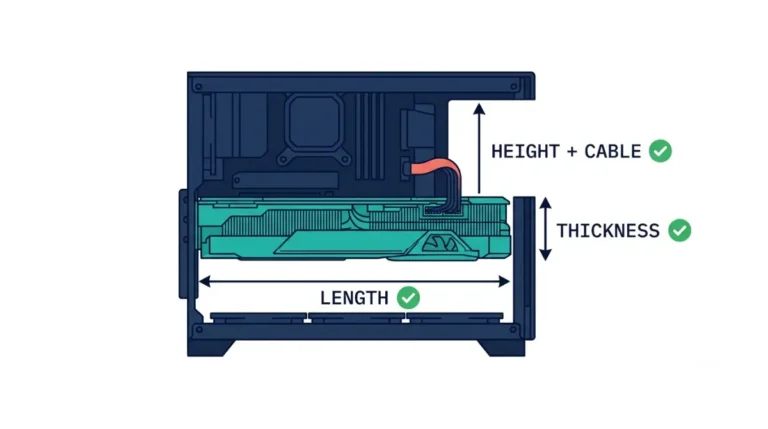
| RTX 5090 Founders Edition | 304 × 137 mm | 2-slot | NVIDIA advises room for 61 mm thickness plus 36 mm for cables |
| ROG Astral RTX 5090 OC | 357.6 × 149.3 × 76 mm | 3.8-slot | Bundled ROG Graphics Card Holder |
Source: NVIDIA’s RTX 5090 page; ASUS’s ROG Astral tech specs, October 2026.
Case measurements to confirm
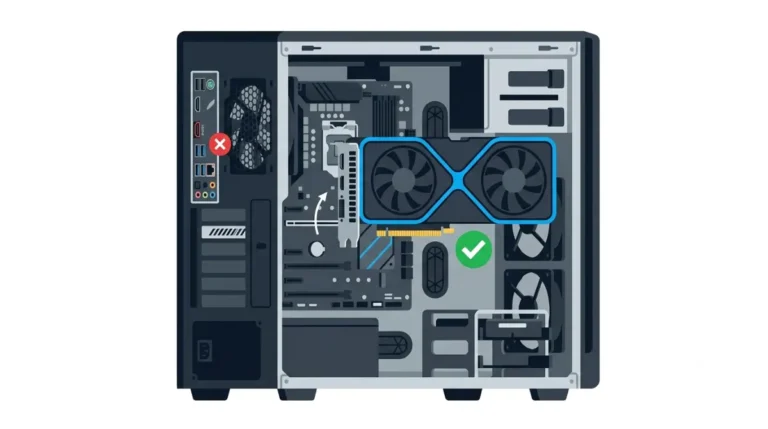
🧩 Compatibility Check: Measure from the card’s underside to the case floor or PSU shroud. Compare that gap with the bracket’s height range and your case manual’s maximum GPU length. For card length and slot positions, see GPU and motherboard compatibility checks.
How to install a GPU support bracket
Prepare and seat the card
Follow your bracket’s manual first.
- Power off, unplug the PC, and open the case.
- Press the card into the slot until the latch clicks, then screw it to the case. New to this? See how to install a GPU.
Position and lock the bracket
- Find a solid contact point under the card, clear of the fans. Corsair’s guide places a post under the card’s front-right corner.
- Raise the bracket until it supports the card at its resting level, then lock it.
- Check it clears motherboard connectors, such as 90° USB or SATA ports.
✅ Do This: Recheck the angle and contact after moving the case.
Which type of GPU support fits your build?
Post, arm, or bundled holder
Choose by checkable criteria: a contact point clear of fans, a height range covering your measured gap, and no contact with connectors.
| Type | Check first | Key Detail |
|---|---|---|
| Post under the card | Gap to floor; fan positions | Corsair places posts at the front-right corner |
| Case-integrated arm | Case manual; card length reaches arm | Corsair’s FRAME 4000D includes one |
| Bundled card holder | Box accessory list | ASUS bundles one with the ROG Astral RTX 5090 |
Source: Corsair FRAME 4000D guide; ASUS ROG Astral tech specs, October 2026.
Criteria, not picks
Use the manufacturer’s page for exact heights and footprints.
When you can skip a bracket
Cards that ship with a holder
ASUS lists a ROG Graphics Card Holder in the ROG Astral RTX 5090 box, so check your card’s accessory list first. NVIDIA’s page gives the RTX 5090 Founders Edition’s two-slot size but states no support guidance; read your card maker’s manual.
Vertical mounts and riser cables
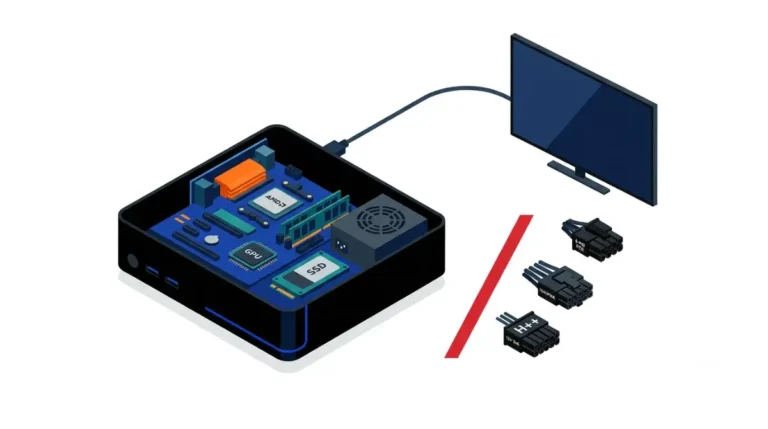
A vertical mount holds the card with a riser cable and bracket, so a floor post may not apply. Check the mount maker’s supported card size and weight first, follow its install steps and clearances, and see mini-ITX compatibility limits if space is tight.
Card still tilts or the screen cuts out?
Quick checks
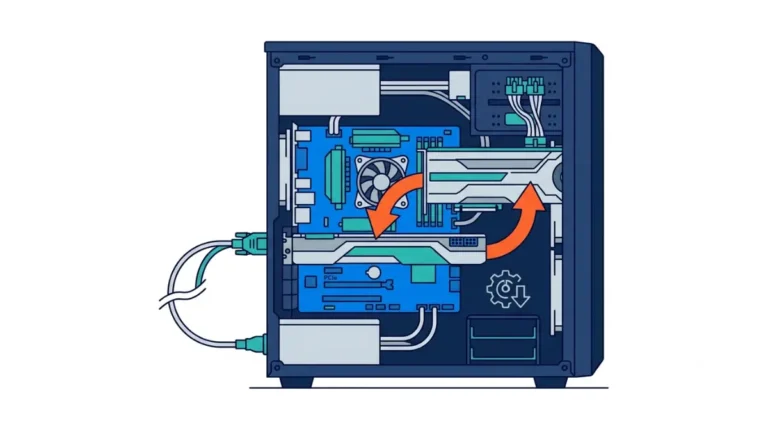
Power down and unplug. Reseat the card until the latch clicks, and tighten the case screws. ASUS recommends removing the card before moving the case.
When to contact support
⚠️ Watch Out: Don’t repair a damaged slot or card yourself. Contact your card maker’s support or an authorized service center, and ask whether symptoms point to the card or the slot and what the warranty covers.
No manufacturer statement on third-party brackets and warranty turned up, so check your card’s warranty terms.
GPU support bracket questions
1. Do I need a GPU support bracket?
A GPU support bracket helps with large or heavy cards; check your card’s box for a bundled holder and your case manual before buying.
2. What is GPU sag?
GPU sag is a card drooping away from the slot under its own weight; a GPU support bracket adds support underneath.
3. Where does a GPU support bracket go?
A GPU support bracket sits under a solid part of the card, clear of the fans; Corsair places its post at the front-right corner.
4. Should a GPU support bracket lift the card?
Set the GPU support bracket so it supports the card at its resting level, and follow your bracket’s manual on contact firmness.
5. Will a GPU support bracket fit my case?
Check the gap under the card, the card’s slot width, and your case manual; a GPU support bracket must clear fans and connectors.
6. Do cards with an included holder need another bracket?
Check the box first; ASUS bundles a holder with the ROG Astral RTX 5090, so a second GPU support bracket may be unnecessary.
7. Does a GPU support bracket work with a vertical mount?
A vertical mount holds the card differently, so a floor GPU support bracket may not apply; check the mount maker’s guidance.
8. Does a GPU support bracket void the warranty?
No maker statement on whether a GPU support bracket affects warranty turned up in research. Check your card’s warranty terms or ask support.
9. Can sag damage the PCIe slot?
Sources disagree and no published threshold turned up; a GPU support bracket adds support, but its effect isn’t quantified.
10. What if a GPU support bracket touches the fans?
Move it; Corsair’s guide keeps the GPU support bracket post clear of the fans, so reposition yours before locking it.
Next steps
Start with the fit check: measure the gap under your card, read its spec page for slot width, and check the box for a bundled holder. Then install the bracket so it supports the card at its resting level, clear of fans and connectors.
For what your board can carry, read the motherboard compatibility guide. Specs come from the cited manufacturer pages; we did not physically test any hardware.