PSU for GPU wattage, from each card maker’s own spec page

PSU for GPU figures differ by board: ASUS bases its 1000 W ROG Astral RTX 5090 figure on a fully overclocked GPU and CPU system.

Table of Contents
Size your power supply to the figure published for your own board, because a partner card can ask for more than the GPU maker does. NVIDIA’s RTX 5070 user guide sets a 650 W minimum for its Founders Edition card, while PowerColor’s box for the RX 9070 XT Red Devil asks for 900 W against AMD’s 750 W for the same GPU.
Calculator sites and store listings print a spread of other numbers. The figures below come from the card makers’ own guides and spec pages, or from Seasonic’s published summary of them where a row says so.
The wattage table, card by card
Each row pairs a GPU’s own board power with the system figure its maker publishes. The PSU figure covers the whole computer, not the card alone.
| GPU | Board power | Maker’s PSU figure | Source |
|---|---|---|---|
| GeForce RTX 5090 | 575 W | 1000 W | NVIDIA guide |
| GeForce RTX 5080 | 360 W | 850 W | NVIDIA guide |
| GeForce RTX 5070 Ti | 300 W | 750 W | Seasonic |
| GeForce RTX 5070 | 250 W | 650 W | NVIDIA guide |
| GeForce RTX 5060 Ti | 180 W | 600 W | Seasonic |
| GeForce RTX 5060 | 145 W | 550 W | Seasonic |
| Radeon RX 9070 XT | 304 W | 750 W | Seasonic |
| Radeon RX 9070 | 220 W | 650 W | Seasonic |
Sources: NVIDIA Founders Edition guides for the RTX 5090, RTX 5080 and RTX 5070. Board power for every card, and the PSU figures in the Seasonic rows, come from Seasonic’s 2026 PSU wattage guide, which lists NVIDIA’s and AMD’s official recommendations.
A board power of 304 W and a PSU figure of 750 W are not a contradiction. The gap is the allowance the GPU maker made for the processor, drives, fans and short power spikes in a typical system. Seasonic’s guide also notes that the RTX 5090 is the only mainstream gaming card for which NVIDIA recommends 1000 W.
Why a Red Devil box asks for 150 W more
AMD rates the RX 9070 XT at 304 W and pairs it with a 750 W recommendation. PowerColor’s retail box for its Red Devil version prints 900 W. Tom’s Hardware reported that figure from a photo of the packaging, along with AMD’s Frank Azor confirming that other custom RX 9070 XT cards would carry lower requirements.
| Board | GPU maker’s figure | Board maker’s figure | What the board maker says |
|---|---|---|---|
| ASUS ROG Astral GeForce RTX 5090 | 1000 W | 1000 W | Based on a fully overclocked GPU and CPU |
| PowerColor Red Devil Radeon RX 9070 XT | 750 W | 900 W | Printed on the retail box |
Sources: ASUS ROG Astral RTX 5090 tech specs; PowerColor box as reported by Tom’s Hardware.
Each board maker writes its number for its own clocks and power limit. ASUS spells out the assumption in a footnote: its recommendation is “based on a fully overclocked GPU and CPU system configuration.”
So the same GPU name can carry two figures. When they differ, follow the one printed for the board you own.
Does your CPU change the number?

Seasonic’s sizing method adds the graphics card’s board power, the processor’s maximum power and the rest of the system, then multiplies the total by 1.2 to 1.3. For the CPU it uses PPT on AMD processors and Maximum Turbo Power on Intel ones.
Run that formula backward on each maker’s figure and it shows how much load the recommendation was built to carry, and how much of that is left once the graphics card takes its share.
| GPU | Maker’s PSU figure | Load it covers (÷1.3 to ÷1.2) | Left for everything but the GPU |
|---|---|---|---|
| RTX 5090 | 1000 W | 769 to 833 W | 194 to 258 W |
| RTX 5080 | 850 W | 654 to 708 W | 294 to 348 W |
| RTX 5070 Ti | 750 W | 577 to 625 W | 277 to 325 W |
| RTX 5070 | 650 W | 500 to 542 W | 250 to 292 W |
| RX 9070 XT | 750 W | 577 to 625 W | 273 to 321 W |
| RX 9070 | 650 W | 500 to 542 W | 280 to 322 W |
Calculated from the figures in the first table using Seasonic’s 1.2 to 1.3 multiplier, rounded to the nearest watt.
Every card except the RTX 5090 leaves at least 250 W for the processor, drives, fans and pump. The flagship leaves 194 to 258 W, which is why a high-power CPU next to an RTX 5090 is the pairing most likely to need a larger unit than the maker’s figure.
To check your own build, take your processor’s PPT or Maximum Turbo Power from AMD’s or Intel’s spec page. Add your drives, fans and any pump, and compare that total with the last column. A larger total means stepping up one PSU size. The processor draws its share through the EPS lead covered in which 24-pin and EPS power connectors a motherboard needs.
Cables the wattage figure assumes
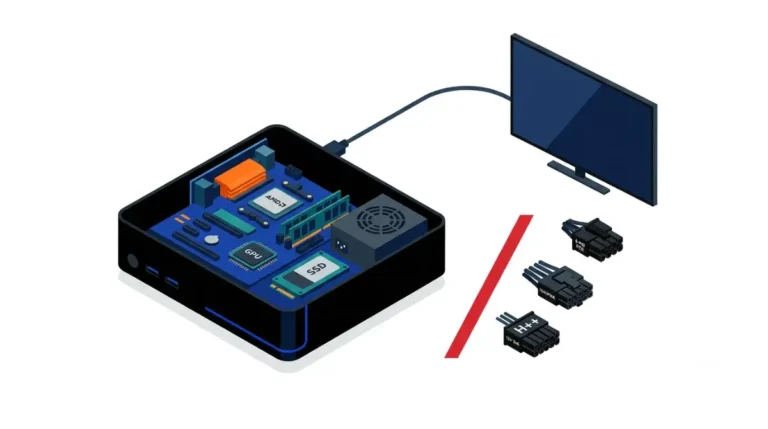
NVIDIA’s guides ask for “independent dedicated cables” from the power supply, and the count rises with the card. A PSU can meet the wattage and still fall short on cables.
| Founders Edition card | PSU minimum | 8-pin cables with NVIDIA’s adapter | Or one 16-pin cable rated |
|---|---|---|---|
| RTX 5090 | 1000 W | At least four | 600 W or greater |
| RTX 5080 | 850 W | At least three | 450 W or greater |
| RTX 5070 | 650 W | At least two | 360 W or greater |
Sources: NVIDIA user guides for the RTX 5090, RTX 5080 and RTX 5070.
An 850 W unit with only two separate PCIe 8-pin outputs cannot feed an RTX 5080 through its adapter, even though its wattage matches. NVIDIA also tells Founders Edition owners to use only the adapter that ships in the box.
Stop if: your power supply has fewer separate PCIe cables than your card’s guide lists. Don’t make up the count with splitters or a third-party adapter. Ask the PSU maker’s support which cable set fits your unit.
Which connector to use, and how a 16-pin plug seats, belongs to the 12V-2×6 and 8-pin connector comparison.
Shutdowns under load after a new card
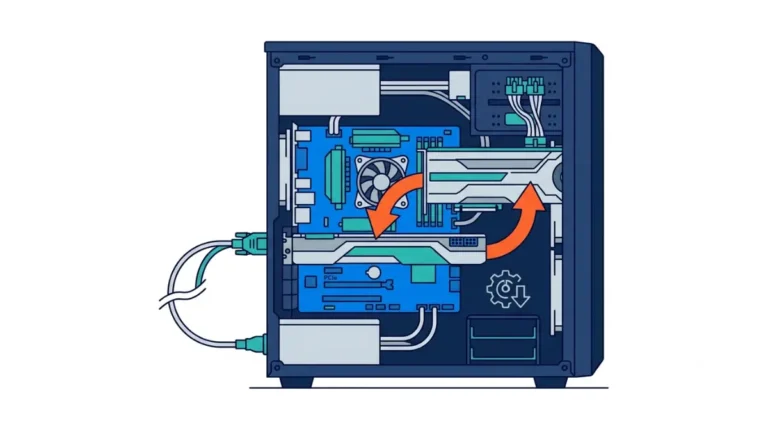
A system that powers off in games after a card swap gets three checks, in this order.
- Compare the wattage on your PSU’s label with your board’s published figure.
- Confirm every PCIe cable is the PSU’s own and that the count matches the card’s guide. On a 16-pin plug, NVIDIA’s guide asks for it to be fully inserted and seated flush against the receptacle.
- If both match and the shutdowns continue, contact the PSU maker’s support with the PSU model and the card you installed.
Never open the power supply’s case to look inside; repairs belong to its maker. The card swap itself, from pulling the old card onward, is covered in how to change a graphics card.
Read your PSU label, then your card’s spec page
The sticker on the side of your power supply lists its rated wattage, so that is the first number to note. The second comes from wherever your board’s maker publishes it:
- NVIDIA Founders Edition cards: the System Power Supply line in the card’s user guide.
- ASUS cards: Recommended PSU on the Tech Specs tab, with the footnote beneath it.
- PowerColor and other partner cards: the product’s spec page, or the system requirements printed on the box.
Before you buy: match the figure to the full board name, such as ROG Astral GeForce RTX 5090 32GB GDDR7, not only the GPU.
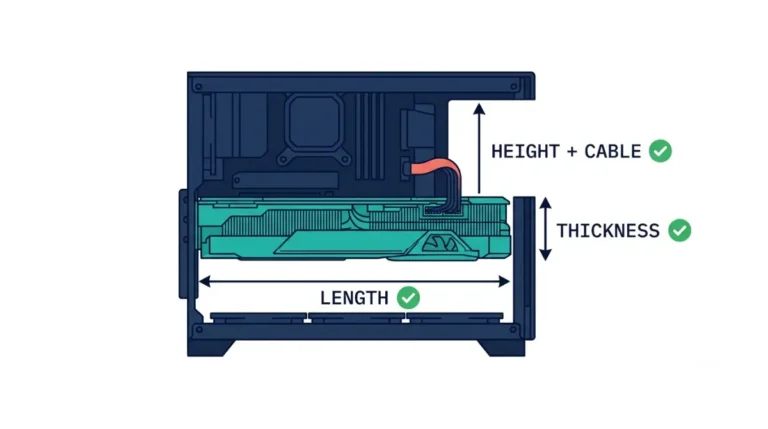
That spec page also lists the board’s length and slot width, which you can check against your case next with whether a graphics card will fit your case.