A Clear Guide to Steam Machine SSD Compatibility
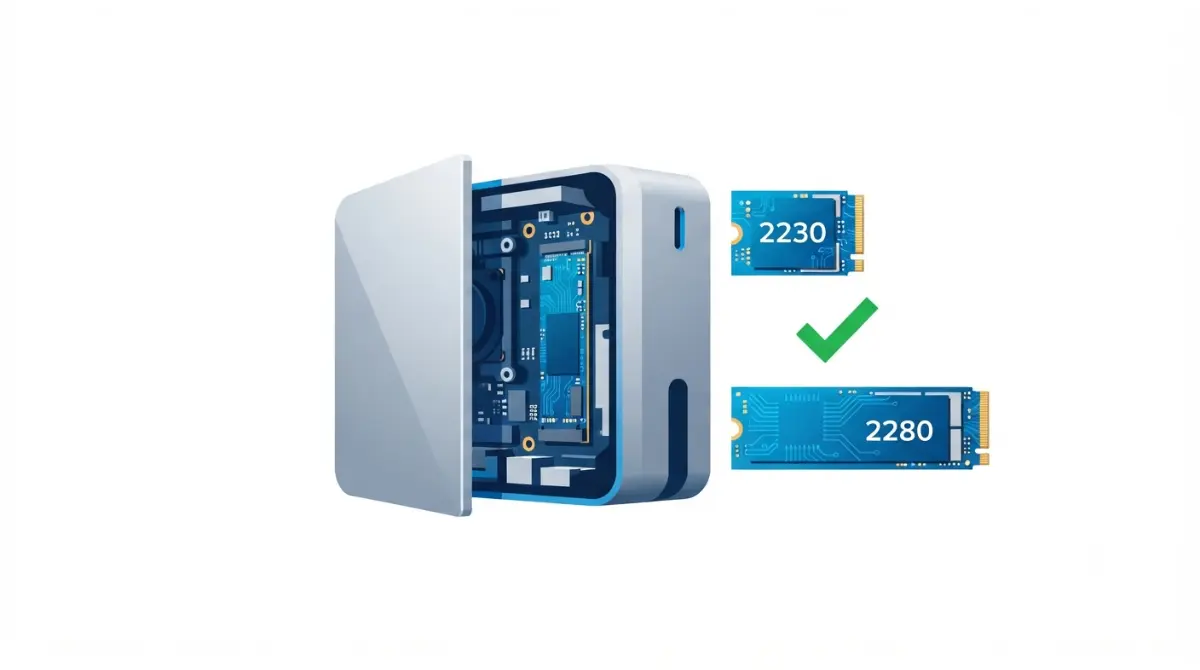
Table of Contents
The short answer
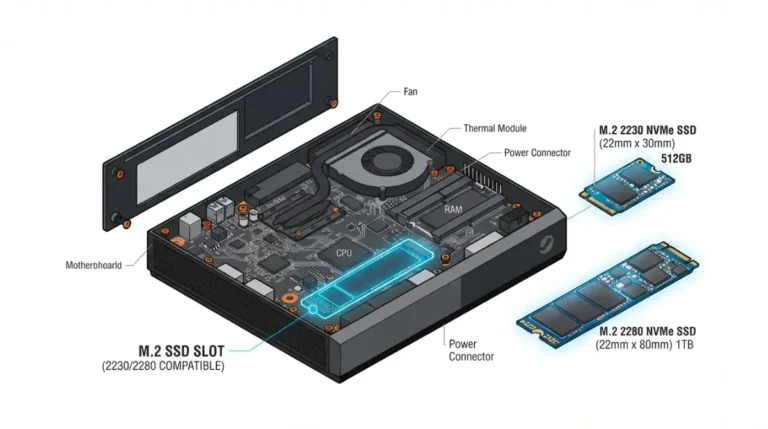
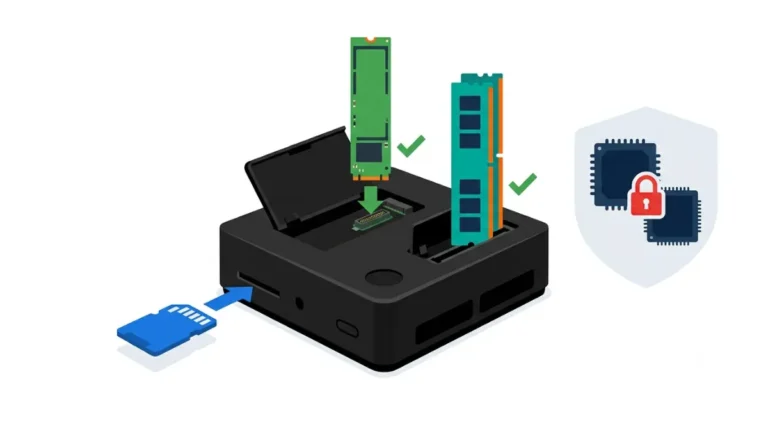
The Steam Machine has one M.2 NVMe slot that takes 2230 or 2280 drives, and Valve’s February 2026 hardware FAQ calls the SSD (NVMe 2230 or 2280) accessible and upgradeable. That slot holds the only internal drive, so an upgrade replaces the stock SSD rather than adding a second one.
Where to go next
Checking whether a drive fits? Start with section 2. Choosing a size, or weighing heat and clearance? Read sections 3 and 4. About to open the case, or stuck after a swap? Sections 5 and 7. Unsure you need to open it at all? Section 6. This page is part of our Steam Machine specs, upgrades and limits guide.
ℹ️ Risk Note: Replacing the SSD means opening the Steam Machine and reinstalling the operating system, which can erase data on the drive you install onto and, if done wrongly, damage the unit. Back up anything you want to keep, follow only Valve’s and iFixit’s procedures, and read Valve’s hardware warranty terms first.
Does the Steam Machine take 2230 or 2280 SSDs?
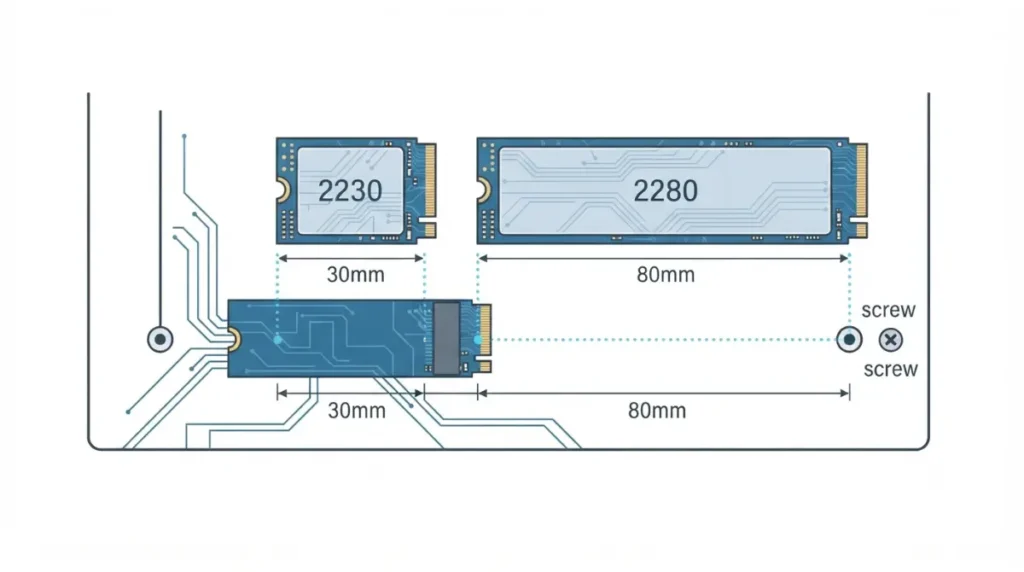
Yes: the Steam Machine’s single M.2 NVMe slot takes both 2230 and 2280 drives, according to iFixit’s Steam Machine (2026) guide and Valve’s February 2026 hardware FAQ.
What fits
| Drive or storage | Fits? | Key Detail |
|---|---|---|
| M.2 2230 NVMe | Yes | Factory length |
| M.2 2280 NVMe | Yes | Standoff screw moves to the 2280 position |
| M.2 2242, 2260, 22110 | Not documented | Only two lengths are named |
| M.2 SATA | Not documented | Slot is described as NVMe |
| Second internal M.2 | No | Single slot |
| microSD card | Yes | Slot present; remove before opening |
Source: iFixit, Steam Machine (2026) SSD Replacement; Valve hardware FAQ, February 2026.
What “not documented” means
Unconfirmed, not incompatible: Valve and iFixit name only 2230 and 2280.
🧩 Compatibility Check: On your drive’s spec page, confirm the length (2230 or 2280), an NVMe interface, and the thickness, then compare with Valve’s Steam Machine specifications.
2230 or 2280: which size and speed to choose
Choose by length, interface, and capacity, using each drive’s own spec page.
Size and capacity
A 2230 drive matches the factory length, so the standoff stays put; a 2280 drive uses the second standoff position, per iFixit. The Steam Deck also uses 2230 M.2 modules, and our Steam Machine vs Steam Deck comparison covers other differences.
Interface and drive specs
Confirm NVMe on the spec page. Secondary reports say the interface is limited to PCIe 4.0, but we couldn’t confirm a PCIe 4.0 slot on Valve’s page, so check it before paying for a faster drive.
Largest drive reported working
Valve lists no maximum capacity in the sources checked. One YouTuber, ETA Prime, installed a 4TB Kingston Fury Renegade drive, as reported by Korben: an example, not a limit.
Do you need a heatsink on a Steam Machine SSD?
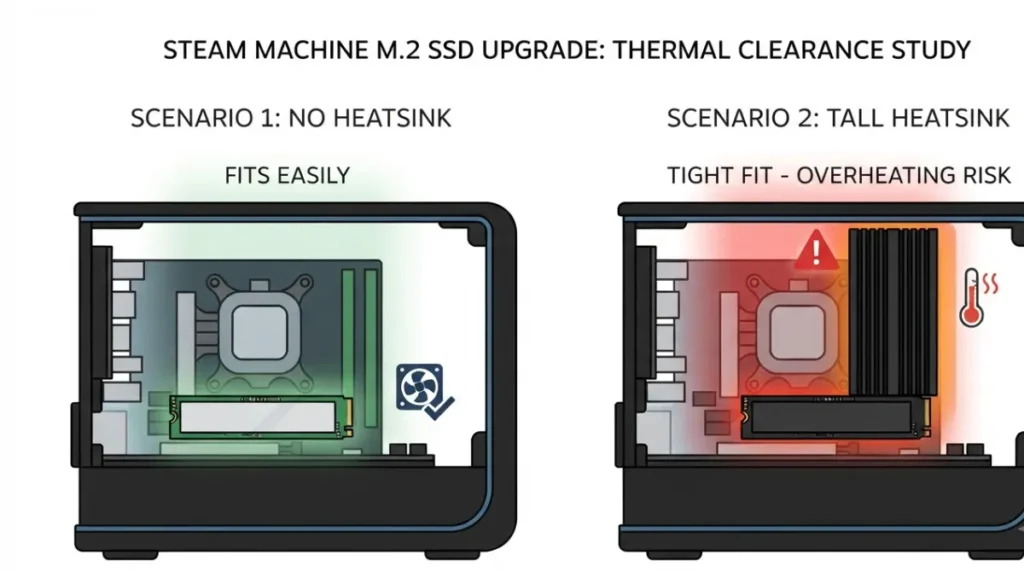
Valve’s FAQ names the drive formats, not heatsink height, and none of the sources checked publish a clearance figure.
Heatsink clearance
One outlet, citing owner reports, says the case’s interior space allows heatsinked drives; that isn’t an official figure.
| What | In sources checked? | Key Detail |
|---|---|---|
| Maximum capacity | Not found | 4TB shown in one demo |
| Heatsink clearance | Not found | Owner reports only |
| Power or temperature limits | Not found | None seen |
Source: Valve hardware FAQ (February 2026); iFixit; Korben; GameGPU. “Not found” means absent from these sources.
Power and thermals
🔍 Why It Works: An SSD slows itself when hot, and a tall heatsink needs vertical room, so clearance matters more than headline speed.
What to check before buying
🧩 Compatibility Check: If your drive has a heatsink, compare its height with iFixit’s photos of the open chassis before opening the unit.
What replacing the Steam Machine SSD involves
Replacing the drive is a physical repair plus an operating-system install: two jobs.
Before you open it
Back up anything you want to keep. iFixit says to power down, unplug every cable, and remove any microSD card first, since it can break.
The physical swap
Follow iFixit’s SSD replacement guide in its order; it covers the feet, back panel, inner assembly, and the 2280 standoff screw. Lift the drive out at its shallow angle.
Reinstalling SteamOS
A new drive needs an operating system installed separately, per iFixit; use Valve’s SteamOS installation and repair page. Our Steam Machine SSD upgrade guide covers the process.
⚠️ Watch Out: Installing an operating system can erase data on the target drive, and damage during a repair may not be covered. Back up, read Valve’s hardware warranty terms, and ask Valve support if unsure.
Replace the SSD, or use microSD or USB?
Opening the case isn’t the only way to add space.
microSD and USB options
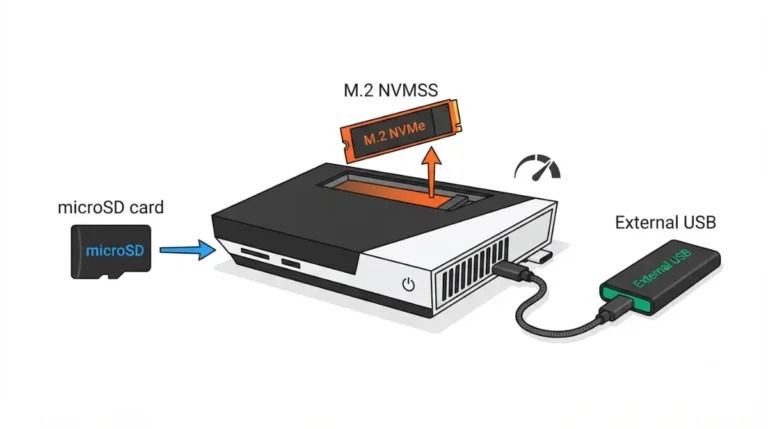
The unit has a microSD slot, cards can be shared with other SteamOS devices such as the Steam Deck, and USB ports on the front and back allow an external drive. None needs the case opened.
Drive not detected or SteamOS won’t install?
Start with the simplest checks.
Check the drive and seating
Confirm the drive is NVMe, 2230 or 2280, with the standoff screw in the matching position, as iFixit describes. Reseat it at the shallow angle; never force it.
Check the OS install path
Run Valve’s SteamOS installation and repair steps from the start. No official troubleshooting list for third-party drives turned up, so we name no drives that work or fail.
✅ Do This: If it still fails, contact Valve support with the drive model and whether the standoff moved, and ask whether your warranty is affected.
Steam Machine SSD questions
1. Does the Steam Machine take 2230 or 2280 SSDs?
Yes. Steam Machine SSD compatibility covers 2230 and 2280 M.2 NVMe drives in its single slot, per Valve’s FAQ and iFixit.
2. How many M.2 slots does the Steam Machine have?
One. A Steam Machine SSD upgrade replaces the stock drive instead of adding a second internal drive, according to iFixit.
3. Do SATA M.2 drives work in the Steam Machine?
Valve and iFixit describe an NVMe slot, and SATA M.2 support isn’t documented, so confirm the interface before buying any Steam Machine SSD.
4. Which PCIe generation does the Steam Machine slot use?
Secondary sources report PCIe 4.0, but we couldn’t confirm it on Valve’s page; check Valve’s specifications before paying for a faster Steam Machine SSD.
5. Do I need a heatsink SSD for the Steam Machine?
Valve doesn’t publish heatsink clearance in the sources checked, so compare any heatsinked drive’s height against iFixit’s photos of the open chassis.
6. What is the largest SSD the Steam Machine supports?
Valve lists no maximum in the sources checked; one demonstration, reported by Korben, ran a 4TB 2280 drive, which isn’t an official limit.
7. Do I need to reinstall SteamOS after replacing the SSD?
iFixit says the OS must be installed separately after a swap; follow Valve’s SteamOS installation and repair instructions, and back up first.
8. Does upgrading the Steam Machine SSD void the warranty?
Valve’s hardware warranty terms apply; read them before opening the unit and ask Valve support if a repair might affect coverage.
9. Can I use microSD instead of replacing the Steam Machine SSD?
Yes. The unit has a microSD slot, which iFixit’s guide mentions, so external storage avoids opening the case.
10. Do I have to open the Steam Machine to upgrade storage?
For an internal swap, yes: iFixit’s guide removes the feet, back panel and inner assembly first; microSD or USB storage avoids it.
Before you buy a drive
The verified picture is short: one NVMe slot, 2230 or 2280, replaced rather than added to. What the sources checked don’t publish, including heatsink clearance and a maximum capacity, is where a spec-sheet check pays off. Back up first, and contact Valve support if you’re unsure. Storage is upgradeable; graphics memory isn’t, as our Steam Machine 8GB VRAM article explains. This guide rests on documentation, not testing.