Does Steam Machine 8GB VRAM Hold Up Past 1080p and 1440p?
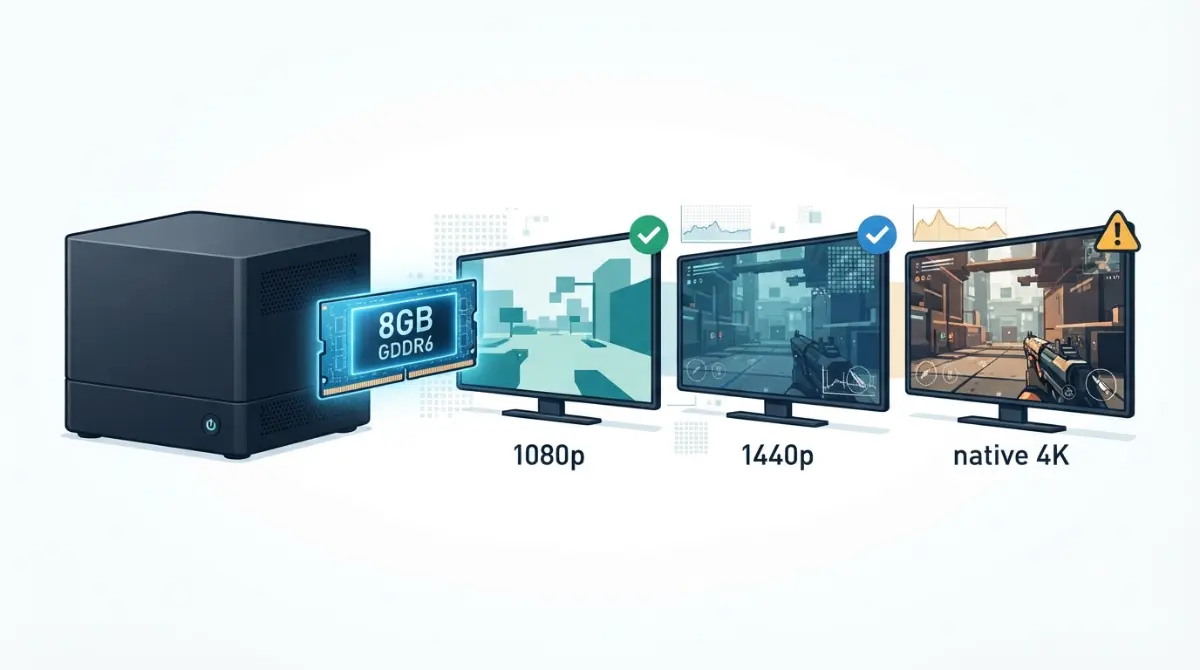
Table of Contents
The verdict
Reviewers found the Steam Machine’s 8GB of VRAM workable at 1080p and 1440p with upscaling, but limiting at native 4K, Ultra presets and ray tracing. It also can’t be upgraded. The full Steam Machine spec and upgrade breakdown covers the other limits.
ℹ️ Risk Note: Prices and availability change. Confirm Valve’s current price and queue status, and read its return terms before buying.
What the Steam Machine’s 8GB of VRAM is (and isn’t)
VRAM vs the 16GB of system RAM
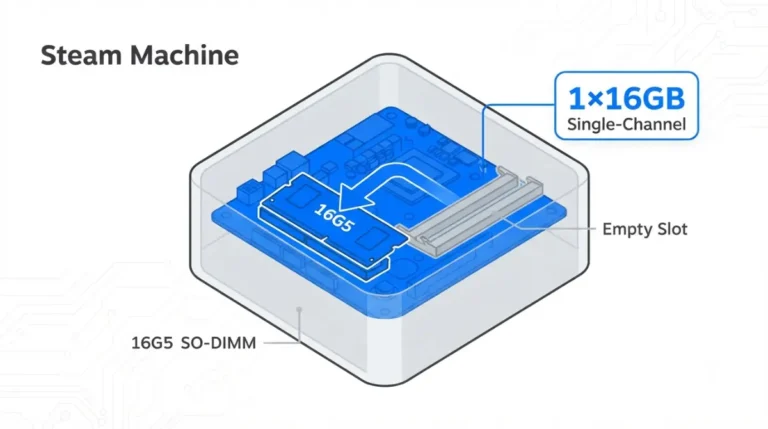
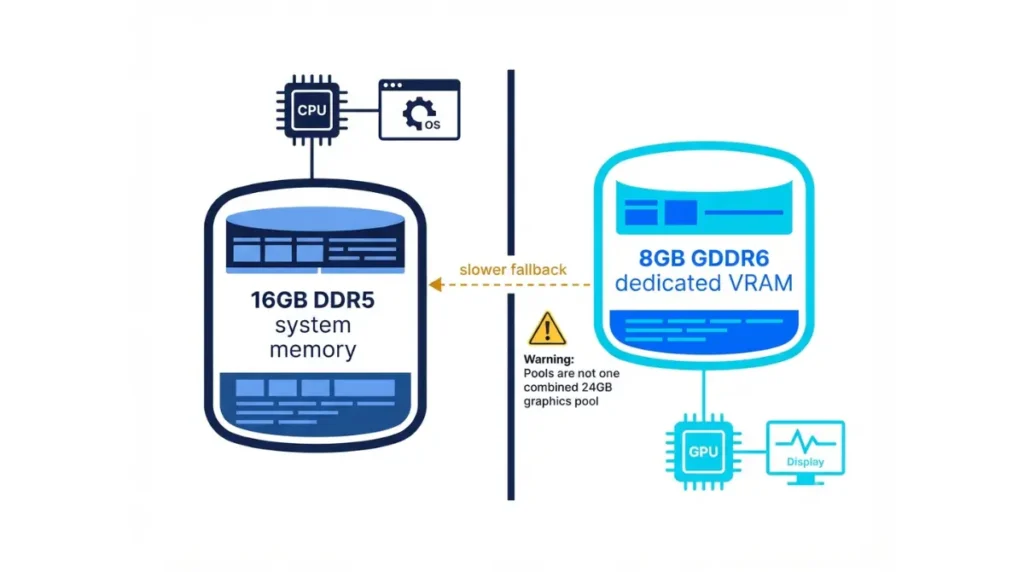
Valve’s listed specifications give the Steam Machine 16GB DDR5 system memory and 8GB GDDR6 VRAM as separate pools. XDA notes the Steam Deck shares one pool instead.
🔍 Why It Works: When a game needs more graphics memory than the GPU has, XDA notes data can spill into system RAM. TechSpot lists the results as fps drops, stutter and texture pop-in.
What you can and can’t upgrade
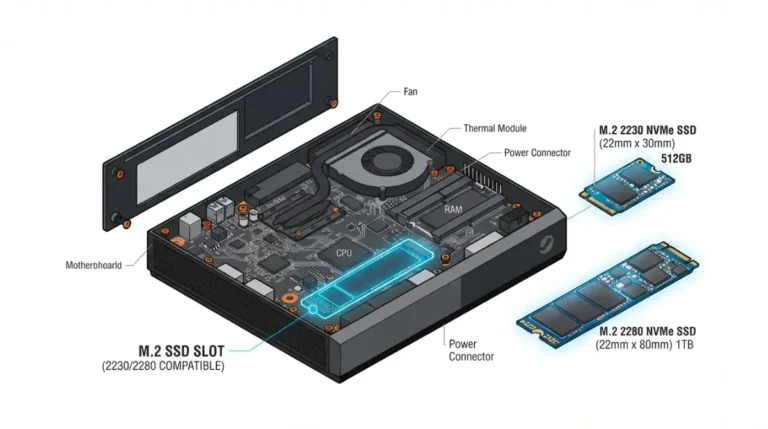
GamersNexus reports the RAM and SSD are upgradable, but the CPU and GPU aren’t socketable, so no VRAM upgrade was reported.
Which resolutions and settings fit in 8GB?
Valve’s target vs its marketing
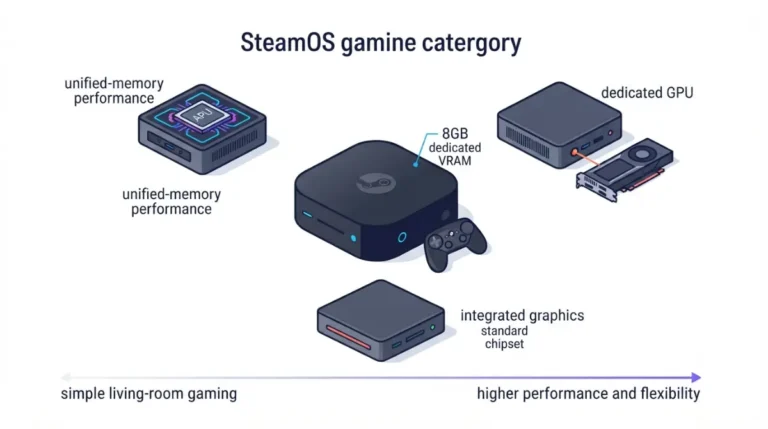
Valve told PC Games Hardware it targets 1080p or 1440p rendering, upscaled, at 60fps on realistic presets. GamersNexus notes Valve’s marketing promises 4K at 60fps with FSR.
The 8GB Fit Matrix
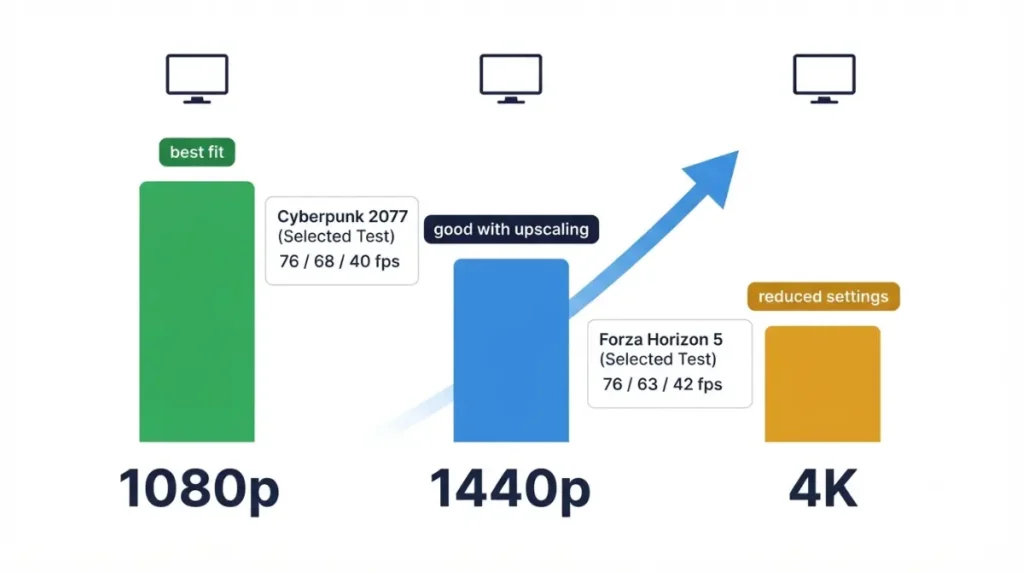
| Scenario (PCGH) | 1080p | 1440p | 4K | Grade |
|---|---|---|---|---|
| Cyberpunk 2077, FSR 3.0 Performance | 76 fps | 68 fps | 40 fps | B |
| Forza Horizon 6, Medium, no FSR | 76 fps | 63 fps | 42 fps | C |
| Hogwarts Legacy, Ultra | no clean 60 | n/a | 16.9 fps with FSR Ultra Performance | B |
Source: PCGH, launch build, June 22, 2026; not retested after SteamOS updates. B: PCGH ties it to 8GB. C: VRAM not isolated.
For the nearest desktop card, see which desktop card it matches.
🧩 Compatibility Check: Check your game’s Steam store page for its listed graphics requirement and any Steam Machine Verified label.
Where reviewers saw 8GB run out
Few results isolate VRAM from GPU speed.
VRAM-limited vs GPU-limited
PCGH tied Hogwarts Legacy’s Ultra-preset failure to the 8GB limit, and Digital Foundry, per Tom’s Guide’s review roundup, found 8GB limiting at 4K with ray tracing. GamersNexus measured 59fps at 1080p Ultra in Cyberpunk 2077: Phantom Liberty, but its ray-tracing results, like 21fps at RT Medium, weren’t attributed to VRAM, so they don’t prove a limit alone.
The same GPU with 8GB vs 16GB
In a 2025 desktop test reported by Notebookcheck, PCGH found the 8GB RX 7600 reaching about a quarter of the 16GB RX 7600 XT’s performance in some games.
What helps when 8GB gets tight
Presets and render resolution
PCGH concluded the machine needs adjusted presets, a lower render resolution and upscaling, and found FSR alone can’t rescue Hogwarts Legacy at Ultra.
FSR 4.1 on Proton Experimental
Per Valve’s announcement as reported by TweakTown, FSR 4.1 is available through Proton Experimental and upgrades games already using FSR 3.1 or newer. It’s experimental and may have issues.
🧩 Compatibility Check: FSR 4.1 only applies to games already offering FSR 3.1 or newer; check the game’s graphics menu.
Will 8GB hold up, and is it worth the price?
Valve lists $1,049 (512GB) and $1,349 (2TB) as of October 2026.
Price vs a DIY build
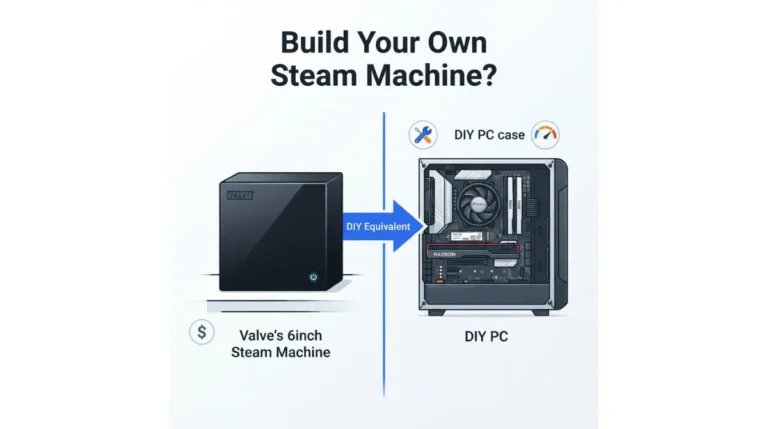
On June 2026 prices, GamersNexus put the 512GB model about $71 above a similar new-parts DIY build, yet said DIY could outperform it.
If you’re comparing options
Check any GPU’s exact VRAM on its maker’s spec page, since some come in 8GB and 16GB versions. Weighing other small PCs? See how it compares with mini PCs.
Signs you’ve run out of VRAM and what to change
The symptoms
TechSpot describes running out of VRAM as fps drops, frame-time stutter, and textures that pop in late or never load.
A short fix order
- Lower the preset one step, such as Ultra to High.
- Lower the render resolution; GamersNexus notes SteamOS caps games at 1080p by default.
- Turn on FSR, trying 4.1 on Proton Experimental where supported.
- Turn off ray tracing, which PCGH calls realistic only at heavily reduced settings.
Steam Machine 8GB VRAM: quick answers
1. Is 8GB VRAM enough on the Steam Machine?
Reviewers found 8GB VRAM workable at 1080p and 1440p with upscaling, but limiting at native 4K, Ultra presets and ray tracing.
2. Can you upgrade the Steam Machine’s VRAM?
No. GamersNexus says the GPU isn’t socketable, so no VRAM upgrade was reported; RAM and SSD are upgradable.
3. What does Valve say the Steam Machine targets?
Valve told PCGH it targets 1080p or 1440p rendering, upscaled, at 60fps on realistic presets, while its marketing promises 4K at 60fps with FSR.
4. Can the Steam Machine run 4K?
PCGH measured 40fps at 4K in Cyberpunk 2077 with FSR 3.0 Performance on 8GB VRAM, below Valve’s 60fps target.
5. Is 8GB VRAM enough for 1440p?
PCGH found 1080p and 1440p suit 8GB VRAM better, measuring 68fps at 1440p in Cyberpunk 2077 with FSR 3.0 Performance.
6. Which games struggle with 8GB VRAM?
PCGH tied Hogwarts Legacy at Ultra to the 8GB VRAM limit: 16.9fps at 4K even with FSR Ultra Performance.
7. Does ray tracing work with 8GB VRAM?
PCGH called ray tracing realistic only at heavily reduced settings; Digital Foundry found 8GB VRAM limiting at 4K with ray tracing.
8. Does FSR 4.1 work on the Steam Machine?
FSR 4.1 runs via Proton Experimental in games using FSR 3.1 or newer, per Valve as reported by TweakTown; it’s experimental.
9. Is the Steam Machine worth it with 8GB VRAM?
With 8GB VRAM it suits 1080p or 1440p upscaled play, and GamersNexus found DIY could outperform it. Check Valve’s current price and return terms first.
Bottom line: who 8GB suits
Per PCGH, Digital Foundry and GamersNexus, 8GB of VRAM covers 1080p and 1440p with upscaling, not native 4K or heavy ray tracing. It can’t be changed later, so judge it by the settings you’ll use. The Steam Machine specs and upgrade pillar covers the other limits.
We did not test the hardware; every figure comes from a named independent source.