Steam Machine 512GB vs 2TB: Which One Fits Your Library

Steam Machine 512GB math: four big games plus Stardew Valley need 455.5GB before SteamOS. What each model holds, and when your own 2TB drive pays off.
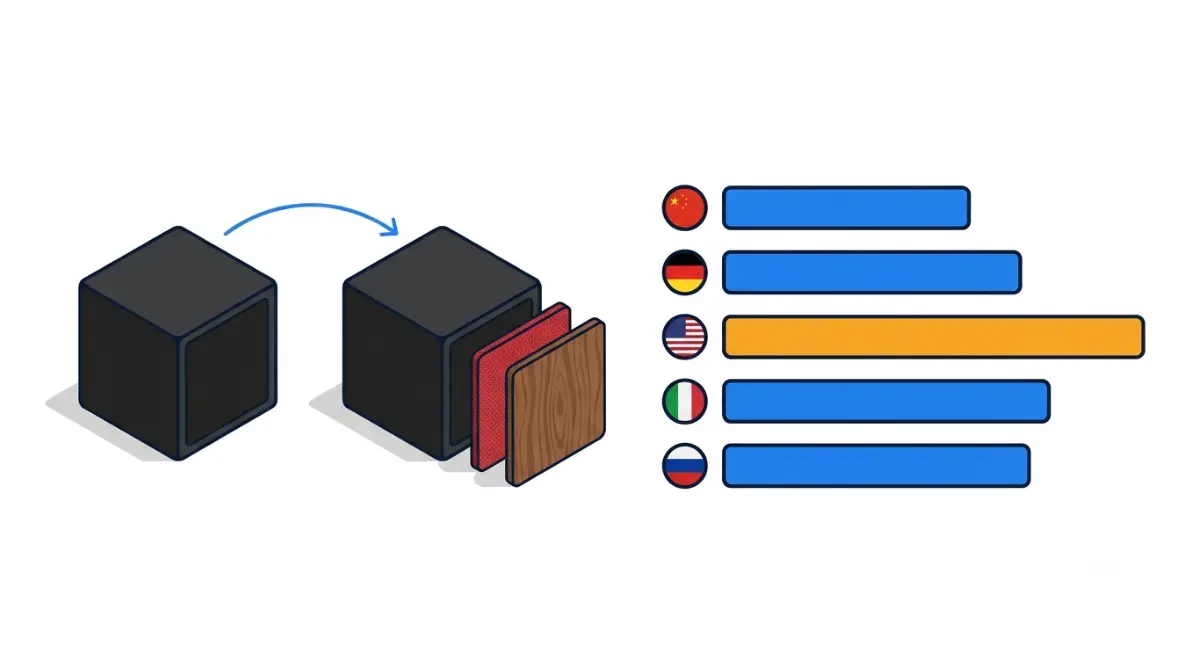
Table of Contents
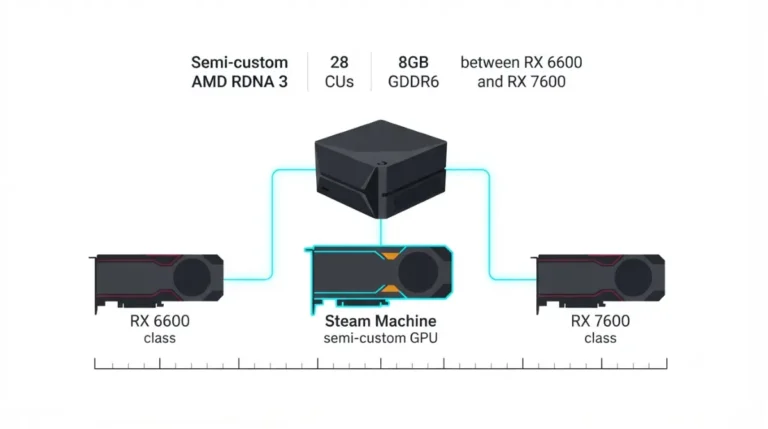
Both Steam Machine models run the same semi-custom AMD Zen 4 CPU, RDNA3 GPU, 16GB of DDR5 and 8GB of GDDR6, so the extra money buys storage: a 2TB NVMe SSD in place of 512GB, plus two faceplates. In the US that step costs $300, or about $202 for each terabyte you gain (Valve’s Steam Machine page).
Two questions decide it. How many large games do you keep installed at the same time, and would you open the case later to fit a bigger drive yourself?
Four configurations, one hardware difference
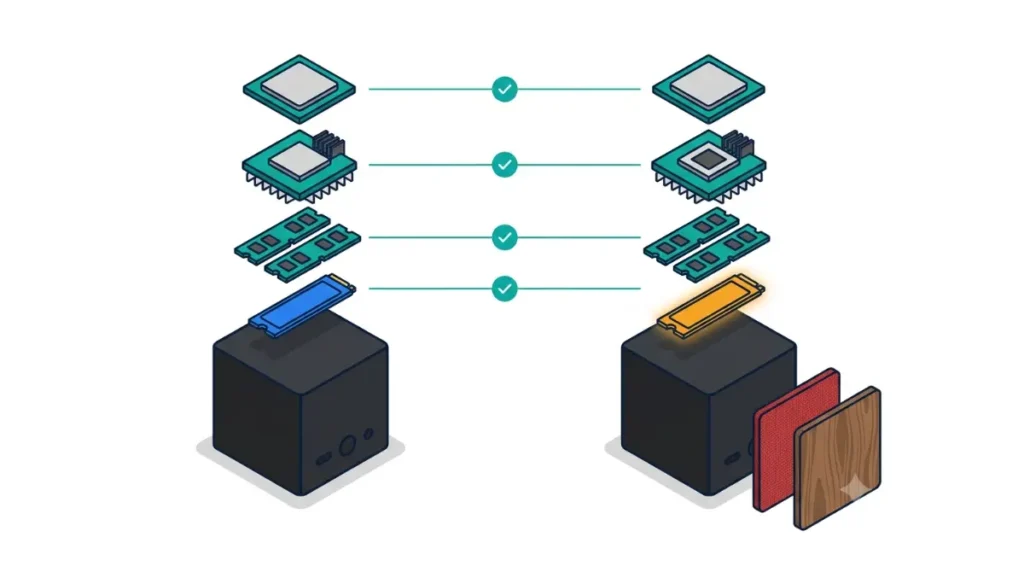
Valve sells each storage size with or without the Steam Controller. The processor, graphics and memory stay the same across all four (Valve’s launch announcement).
| Region | 512GB (Valve) | 2TB (Valve) | Extra for 2TB | Per extra TB, rounded |
|---|---|---|---|---|
| US | $1,049 | $1,349 | $300 | $202 |
| UK | £879 | £1,149 | £270 | £181 |
| EU | €1,039 | €1,359 | €320 | €215 |
| Canada | CA$1,509 | CA$1,919 | CA$410 | CA$276 |
| Australia | A$1,609 | A$2,109 | A$500 | A$336 |
Source: Valve’s launch announcement; prices include VAT where it applies. The last column divides the extra cost by the 1,488GB gained (2,000GB minus 512GB).
The Steam Controller adds $79, £59 or €69 to either size. It is a separate choice from storage, and pairing it with the bigger drive earns no extra discount.
Only the 2TB boxes include the red fabric and solid walnut faceplates. Valve told PC Gamer it has no specific plans for more official designs. Unless you make your own, those two stay with the larger model.
In pounds the gap is £270, and the full UK lineup with bundles is on Steam Machine prices in the UK.
How many big games fit on 512GB?

Five games show how fast 512GB goes. The storage figures come from each game’s own Steam store page.
| Game | Steam “Storage” figure | Share of 512GB | Running total |
|---|---|---|---|
| Baldur’s Gate 3 | 150 GB | 29.3% | 150 GB |
| Red Dead Redemption 2 | 150 GB | 29.3% | 300 GB |
| Counter-Strike 2 | 85 GB | 16.6% | 385 GB |
| Cyberpunk 2077 | 70 GB | 13.7% | 455 GB |
| Stardew Valley | 500 MB | 0.1% | 455.5 GB |
Source: the Storage line in each game’s system requirements on Steam: Baldur’s Gate 3, Red Dead Redemption 2, Counter-Strike 2, Cyberpunk 2077, Stardew Valley.
Four large games and one small one claim 455.5GB. That leaves 56.5GB of nominal space before SteamOS and its recovery files take their share, and Valve doesn’t publish how big that share is. The same five on the 2TB drive leave 1,544.5GB.
The number on screen can look smaller than the label. Drive makers count 512GB as 512 billion bytes, which is 476.8 GiB in binary units. 2TB works out to 1,862.6 GiB.
Each store figure is the free space a publisher asks for before you install, not a measured folder size. To size your own library, open Settings > Storage in Steam on the PC or Steam Deck you use now. It lists every installed game with its size, and that total is the number to hold against 512GB.
Three ways to get more room than 512GB
The cheapest route to extra space costs $1,049 plus a microSD card, and it never involves a screwdriver.
| Route | Cost | Game storage afterward | Case opened? | Extra work |
|---|---|---|---|---|
| 2TB model | $1,349 | 2TB internal NVMe | No | None |
| 512GB + your own 2TB M.2 SSD | $1,049 + the drive | 2TB internal NVMe, plus a spare 512GB drive | Yes | Reinstall SteamOS on the new drive |
| 512GB + microSD card | $1,049 + the card | 512GB internal + the card | No | Format the card on the machine |
Source: Valve list prices; drive layout from iFixit’s Steam Machine (2026) SSD Replacement guide.
Fitting your own drive
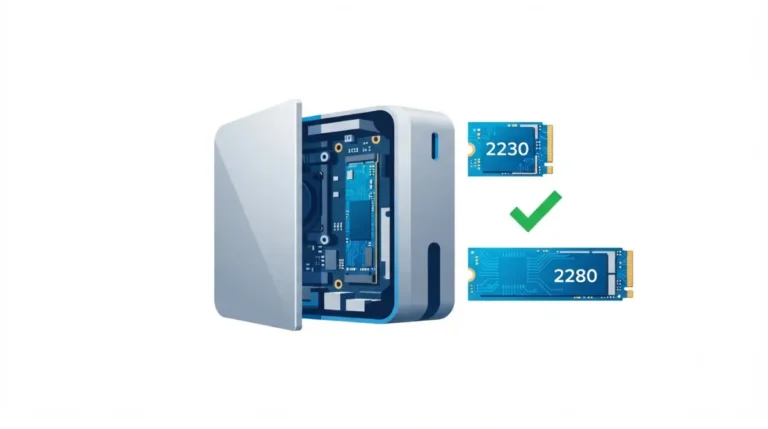
The Steam Machine has one M.2 NVMe slot that accepts 2230 or 2280 drives (iFixit). A new drive therefore replaces the 512GB one rather than adding to it. It also starts empty: iFixit’s guide ends by pointing to Valve’s SteamOS recovery instructions to put the system on it, and your games download again.
The arithmetic takes one line. A 2TB M.2 NVMe drive under $300 makes this route cheaper than the 2TB box; at $300 it ties, and you still did the work. Drive sizes and the job itself are covered in how the Steam Machine SSD swap works.
Before you buy: Valve’s Steam Machine support guide says it doesn’t recommend opening the device, and that damage caused by opening it isn’t covered by the warranty. Read that guidance through Steam Support for Steam Machine before you plan on this route.
Adding a microSD card
Valve supports any UHS-I card rated class 3 or better, formatted from Settings > Storage on the machine. Its guidance is that a card already holding a Steam Deck library can go straight into the Steam Machine without extra steps. Card sizes and setup are on using microSD storage with the Steam Machine.
Drive speed on the two models
Valve lists no read or write speed for either SSD. Club386’s review describes a PCIe Gen 4 NVMe drive in both capacities, shipped in the M.2 2230 size. Nothing in Valve’s material or that review sells the 2TB box as faster.
The gap that matters is between the internal drive and the card slot. UHS-I tops out at 104 MB/s under the SD Association’s bus specification, and every game on the card loads through that ceiling.
Which model suits the way you play?
Start from the total in your Steam storage screen, then match it:
- Your installed games fit in 512GB with room left over, or you have a Steam Deck card already full of games: the 512GB model, with the card moved across.
- Your library is bigger, and you’re comfortable opening the case and reinstalling SteamOS: the 512GB model plus your own 2TB drive, as long as that drive costs less than $300.
- Your library is bigger and you’d rather not open the machine, or you want the walnut and fabric faceplates: the 2TB model.
On any of the three, the games you play most belong on the internal SSD, because the card is the slower home.
Pick the model before you join the queue
Valve’s sign-up asks you to choose one of the four configurations (launch announcement), so settle storage before you register. The randomized queue, invites and purchase window are explained in how the Steam Machine reservation queue works. For RAM, display output and the rest of what the box can and can’t do, see Steam Machine specs, upgrades and limits.
Found this helpful? See more of our guides on Google.
Want to see our guides first on Google?